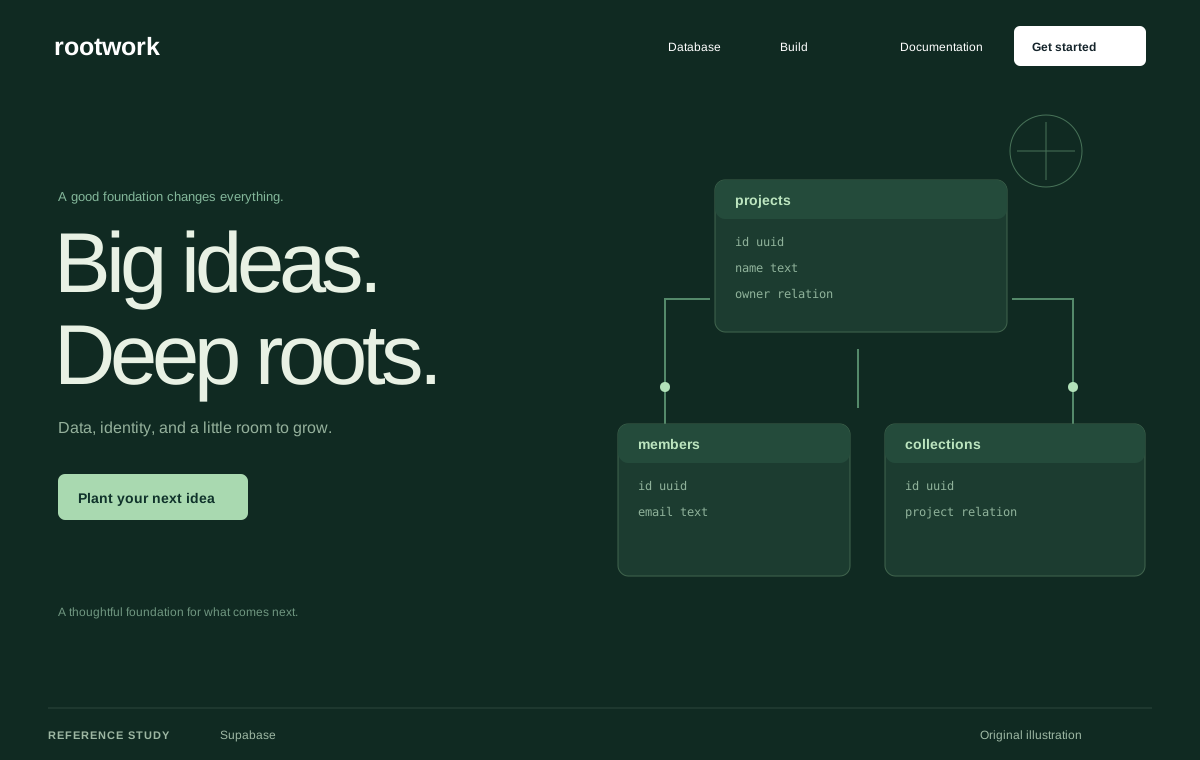
Supabase
Design referenceA reference for a platform explained through focused product modules.
Original Pristren concept study. View the source for the actual site.
Build and design
Deliver one complete user journey with honest state handling and useful verification.
A small application that completes one defined task, with validation, persistence choices, and a repeatable check.
Choose your AI tool, describe your task, and copy one complete project brief. Your inputs stay in this tab.
Includes your prompt, selected references, skill instructions, setup steps, and checks. Use your own AI account; Pristren does not run a model here.
Describe your project or task to prepare your brief.
Build a small working web application for [Describe the project, audience, and useful result.] under Use existing project conventions. State assumptions and verify the result..

Inspect the repository and existing conventions. Restate the target user and one end-to-end job. Define the inputs, expected output, persistence requirement, and acceptance examples. Propose the smallest implementation that completes that job. Surface any missing requirement that affects data ownership, authentication, or external costs before choosing a service.

Implement a complete vertical slice: an understandable entry screen, validated inputs, the core operation, a useful result, and recoverable empty/loading/error states. Validate untrusted data at the server boundary where a server exists. Keep credentials out of client code. Avoid adding speculative dashboards, account systems, or dependencies unrelated to the agreed task.

Use existing scripts and create a focused behavior check for the important journey. Verify one normal input, one invalid input, refresh/persistence behavior, and a recoverable failure. Explain what is real, what is mocked, and what requires configuration. Return the commands actually run, their results, and any remaining release requirements.

Execution environment: Codex. Follow applicable project instructions and verify the requested result.

Workflow
https://pristren.com/workflows/build-small-web-app/

Expected result
A small application that completes one defined task, with validation, persistence choices, and a repeatable check.

Before you begin
- A single target user and a short problem statement.
- Example inputs and expected outputs, including one invalid case.
- A repository and decisions about persistence and authentication.

Setup for Codex
- Start Codex in the repository and read applicable AGENTS.md guidance. Include only the files this task needs.
- Choose one vertical slice and implement input, processing, result, and failure states before adding secondary features.
- Use the acceptance checks below to assess the result; an agent completion message is not evidence that the task passed.

Visual references
Study these as design references. Create an original design; do not copy branding, assets, or an entire layout.
- Supabase: https://supabase.com/
  Identify the central platform before presenting individual services.
  Use editors and tables as concrete contexts for otherwise abstract capabilities.
- shadcn/ui: https://ui.shadcn.com/
  Show controls in task contexts such as forms and dashboards.
  Connect each useful example to code that can be adapted, respecting separate asset licenses.
- Cal.com: https://cal.com/
  A booking preview communicates the task quickly.
  Synthetic appointments can explain the flow; label them and keep real submissions out of a demo.

Selected resources
- Playwright Test: https://playwright.dev/docs/intro
  Use the repository’s existing Playwright configuration where present. Otherwise follow the official introduction to select the package manager and install the test runner and browsers.
  The npm initialization below adds dependencies and configuration and may download browsers. Use the pnpm/yarn alternative in the official source when that is your project’s package manager.
  Create one meaningful browser test around an acceptance example, then use the documented runner for your configured project. Inspect a trace or visible state when it fails.
  Start Codex in the repository and read applicable AGENTS.md guidance. Include only the files this task needs.
  Use the official source below for current runtime requirements and package-manager-specific commands. Report the actual result and any unsupported environment.
  npm init playwright@latest
  npx playwright test
- Build a small working web application — master prompt: https://pristren.com/resources/build-small-web-app-prompt/
  Use the task-specific master prompt above.

Execution
1. Define the one user journey and write concrete acceptance examples.
2. Inspect the stack and choose the minimum data and service boundaries.
3. Implement the whole journey with validation and honest state handling.
4. Verify normal, invalid, refresh, and failure behavior; document configuration.

Acceptance checks
- A user can finish the central job without manual database editing.
- Invalid input is explained without losing other entered values.
- Secrets stay out of client bundles and repository fixtures.
- Persistence and any mock services are accurately described.

If something fails
- Features grow before the main journey works: Return to the single acceptance example and finish its vertical slice first.
- Refresh loses work unexpectedly: Decide whether persistence is required and test its intended lifetime explicitly.

Inspect the project first. Report the changes, the checks actually run, and anything still unresolved. Ask before any deployment or external publication.
These source links and design notes travel with your brief. Keep only the references that fit your project.
Tool setup checked against official documentation. Pristren has not executed this workflow through this tool.
Required resources are included. Add optional ones when your task needs them.
Required
Start with this workflow’s original task-specific master prompt.
Review instructionsOptional
Investigate a failing state before making broad changes.
Review instructionsOptional
Use an external browser-testing procedure after inspecting its helper requirements.
Review instructionsA reference for a platform explained through focused product modules.
Original Pristren concept study. View the source for the actual site.
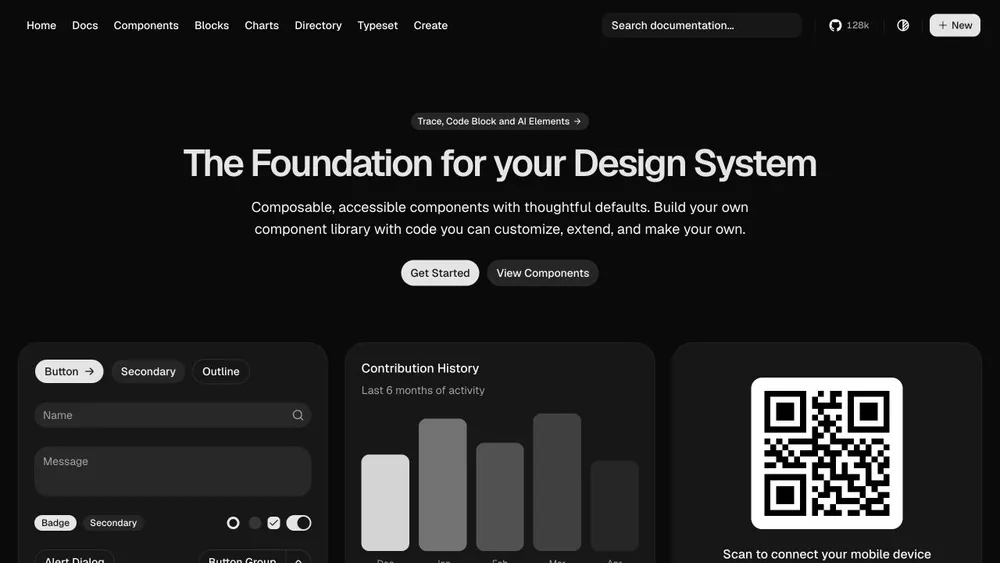
A reference for browseable components and realistic application compositions.
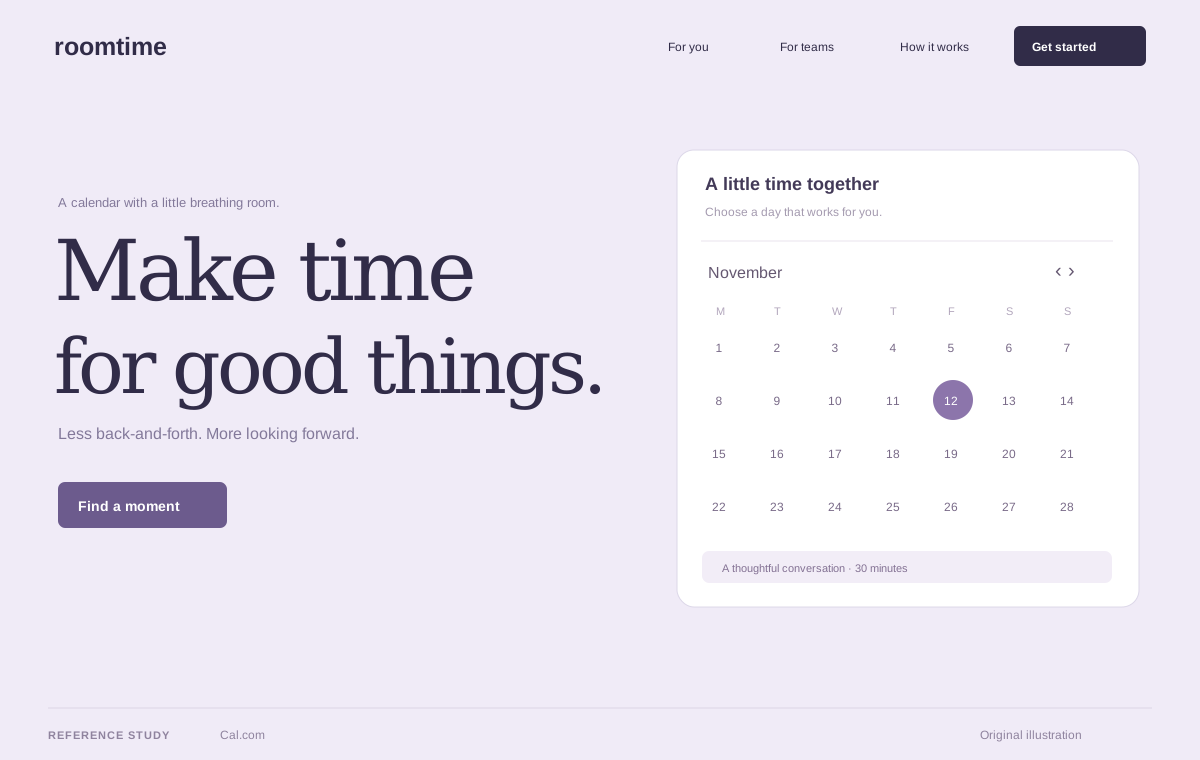
A reference for demonstrating a product through its own interaction model.
Original Pristren concept study. View the source for the actual site.
Return to the single acceptance example and finish its vertical slice first.
Decide whether persistence is required and test its intended lifetime explicitly.
Try the brief in your AI tool first. Your feedback helps us find workflows that need attention.