Stripe
Design referenceA reference for explaining infrastructure through recognizable business activities.
Build and design
Extract useful design principles and turn them into an interface for your own product.
An original responsive interface with a written rationale connecting design choices to the product’s needs.
Choose your AI tool, describe your task, and copy one complete project brief. Your inputs stay in this tab.
Includes your prompt, selected references, skill instructions, setup steps, and checks. Use your own AI account; Pristren does not run a model here.
Describe your project or task to prepare your brief.
Design an original interface for [Describe the project, audience, and useful result.]. Work within Use existing project conventions. State assumptions and verify the result..

Inspect the current app and the supplied visual references. For each reference, identify one useful principle such as hierarchy, density, navigation, or how the product is demonstrated. Identify identity elements we should not reuse: logos, illustrations, copy, and distinctive compositions. Do not reconstruct a reference page.

Write a short design brief naming the audience, visitor question, primary action, content order, typography roles, spacing rhythm, and responsive behavior. Propose a coherent visual direction from those requirements. Use real content where supplied and label any illustrative product data. Ask only for missing facts that would change the implementation.

Implement the agreed direction using existing project conventions. Use semantic controls, visible focus, readable contrast, and layouts that handle longer text. Keep motion optional and purposeful. Inspect narrow and wide layouts and complete the main user flow with a keyboard. Report how the result serves the brief, which checks ran, and any remaining placeholder content.

Execution environment: Codex. Follow applicable project instructions and verify the requested result.

Workflow
https://pristren.com/workflows/design-from-references/

Expected result
An original responsive interface with a written rationale connecting design choices to the product’s needs.

Before you begin
- Two to four reference URLs or screenshots you are allowed to share.
- Real page copy, audience, and primary user action.
- An existing app or a clearly selected framework.

Setup for Codex
- Start Codex in the repository and read applicable AGENTS.md guidance. Include only the files this task needs.
- Describe what each reference contributes, then propose a distinct layout, palette, and content hierarchy.
- Use the acceptance checks below to assess the result; an agent completion message is not evidence that the task passed.

Visual references
Study these as design references. Create an original design; do not copy branding, assets, or an entire layout.
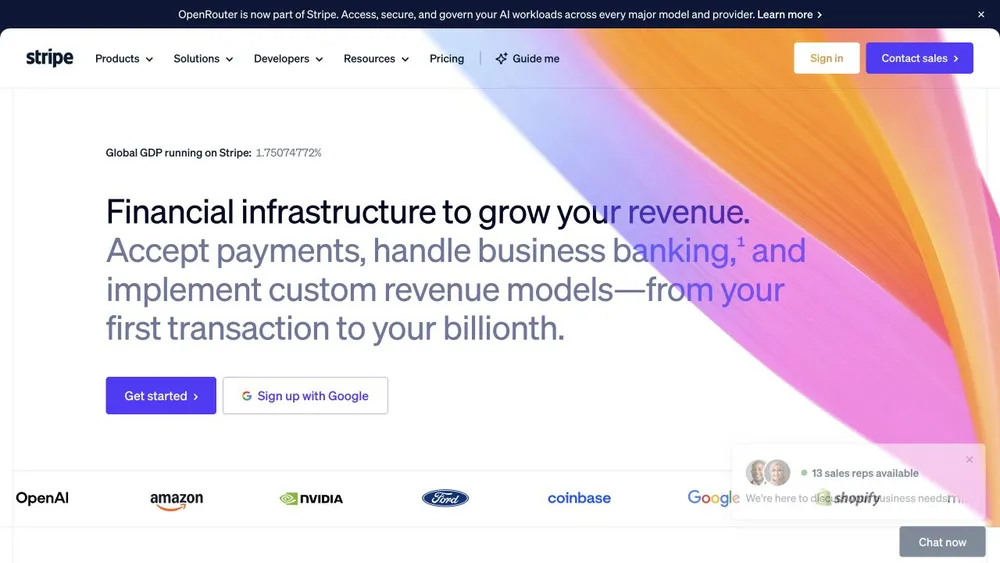
- Stripe: https://stripe.com/
  Move from the business outcome into a concrete product operation.
  Borrow the narrative progression, while creating your own artwork and brand language.
- Raycast: https://www.raycast.com/
  Introduce features through recognizable actions rather than technical modules.
  The extension collection is useful inspiration for a resource directory organized by jobs.
- Linear: https://linear.app/
  A large proposition introduces the product before its details.
  Frame realistic product tasks, then give visitors a direct path to deeper capabilities.
- Layers: https://layers.to/
  Offer useful topic filters for a large visual collection.
  Keep creator attribution, thumbnail sizing, and pagination visible and consistent.

Selected resources
- Turn references into an original design brief: https://pristren.com/resources/reference-design-brief/
  Use the published resource’s Download SKILL.md action, or copy its complete original SKILL.md text. Draft resources are not publicly downloadable.
  Save the supplied SKILL.md as .agents/skills/reference-design-brief/SKILL.md in the project. Review it before use.
  Open the project in your tool and select reference-design-brief by name; check that it resolves to this project-local version.
  Read the resource below and apply only the parts relevant to the current task.
  Inspect the loaded skill before using it on a representative task. This page documents setup; it has not performed the installation for you.
  mkdir -p .agents/skills/reference-design-brief

Skill instructions (Turn references into an original design brief)
---
name: reference-design-brief
description: Extract layout, hierarchy, and interaction decisions from supplied visual references when creating an original website or interface.
---

# Reference design brief

Start from the user's own product, audience, and primary action. If any are missing and materially change the design, ask a focused question before selecting a direction.

For each supplied reference, identify the specific part worth studying: typography scale, content progression, navigation, component behavior, or composition. Distinguish observed details from guesses about implementation. Do not copy source branding, photography, illustrations, wording, or an entire page arrangement.

Translate the references into a short brief containing: the intended user action; the visual principles to preserve; an original palette and type treatment; section order; one interaction that earns its cost; mobile behavior; and the checks that show the design works. Keep source URLs attached to the observations, rather than loading full reference pages into every later prompt.

If references disagree, state which principle serves the user's task and choose one direction. Produce an implementation-ready brief, then work within the project's existing framework and components. Load a reference again only when a concrete unresolved detail needs inspection.

Verify the result at a narrow and wide viewport, with keyboard use and reduced motion. Report what was checked and any visual decisions that remain assumptions.

- Turn references into an original interface — master prompt: https://pristren.com/resources/design-from-references-prompt/
  Use the task-specific master prompt above.

Execution
1. Audit each reference for one useful principle and document excluded identity elements.
2. Write a product-specific design brief and content hierarchy.
3. Implement the layout and its mobile behavior with real content.
4. Inspect visual states, long content, keyboard navigation, and the main action.

Acceptance checks
- The result has its own visual identity and no copied brand assets.
- Content order explains the product before secondary detail.
- The primary flow works at narrow widths and with keyboard input.
- Placeholders and illustrative product data are clearly identified.

If something fails
- The result looks like a reference clone: Return to the audience and content brief; change composition, typography, imagery, and interaction rather than only colors.
- The layout breaks with real text: Replace placeholder lengths early and test wrapping, card heights, and navigation before polishing.

Inspect the project first. Report the changes, the checks actually run, and anything still unresolved. Ask before any deployment or external publication.
These source links and design notes travel with your brief. Keep only the references that fit your project.
Tool setup checked against official documentation. Pristren has not executed this workflow through this tool.
Required resources are included. Add optional ones when your task needs them.
Required
Start with this workflow’s original task-specific master prompt.
Review instructionsRequired
Separate transferable principles from another company’s identity.
Review instructionsOptional
Check responsive navigation and the primary conversion path.
Review instructionsOptional
Add a reviewed external visual-design procedure after writing your own product brief.
Review instructionsFrom Pristren’s own implementation
A working marketing website with a clear product story, responsive navigation, pricing sections, and a native FAQ. Open the actual page and explore its layout and interactions.
Try the working interfaceA visual reference needs to become an original composition for a specific audience and action.
Orbit combines its own typography, product illustration, section hierarchy, and working navigation in a complete page you can study.
Orbit is a marketing website example, not a functioning SaaS service. Its product, workspace illustration and prices are labeled samples. It is not a claim that every AI tool reproduces this page from the workflow prompt.
A reference for explaining infrastructure through recognizable business activities.
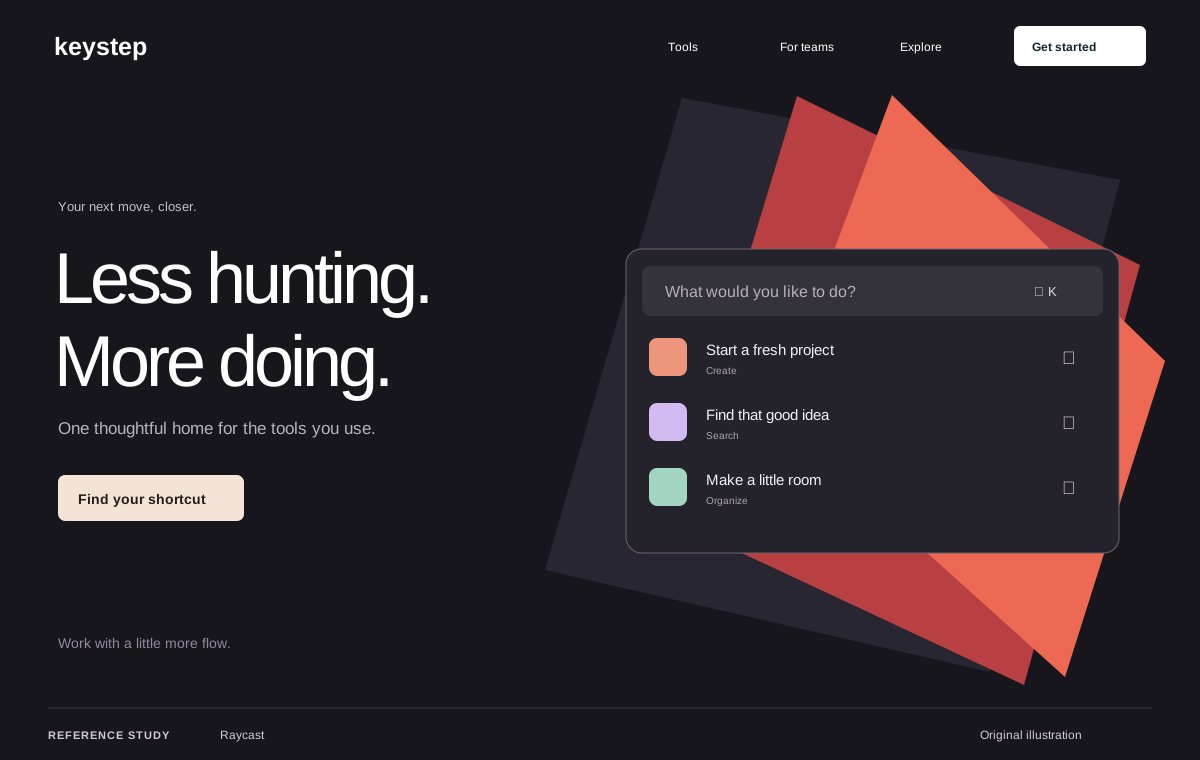
A reference for a product composed of many useful individual capabilities.
Original Pristren concept study. View the source for the actual site.
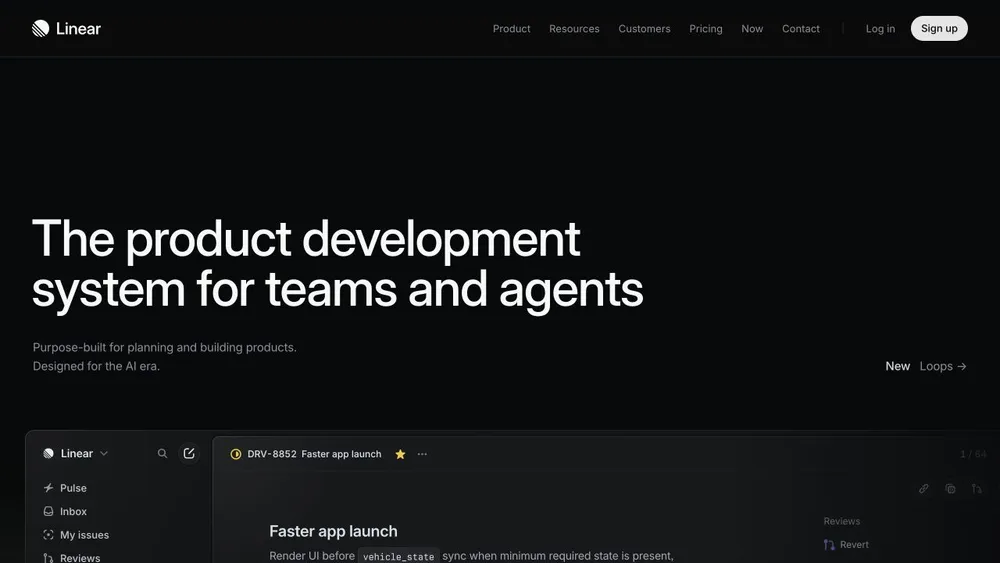
A reference for clear product hierarchy and framed interface demonstrations.
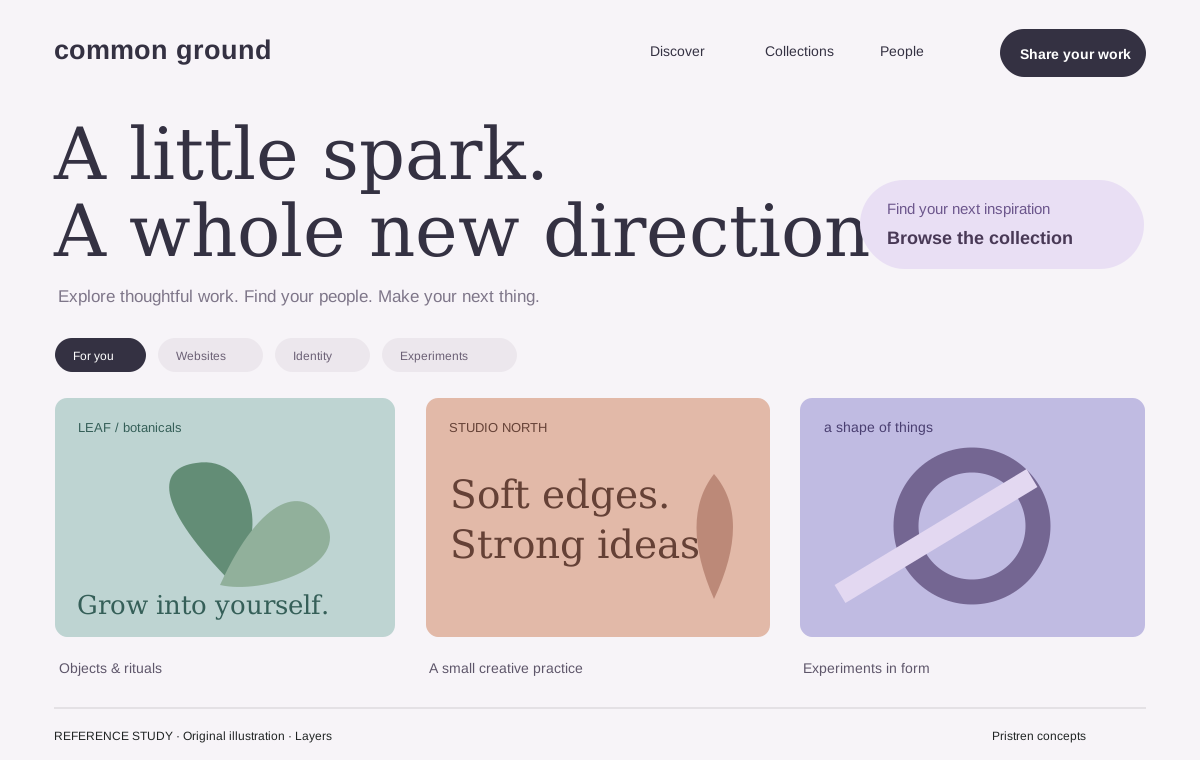
A reference for discovering visual work through categories and a dense feed.
Original Pristren concept study. View the source for the actual site.
Return to the audience and content brief; change composition, typography, imagery, and interaction rather than only colors.
Replace placeholder lengths early and test wrapping, card heights, and navigation before polishing.
Try the brief in your AI tool first. Your feedback helps us find workflows that need attention.