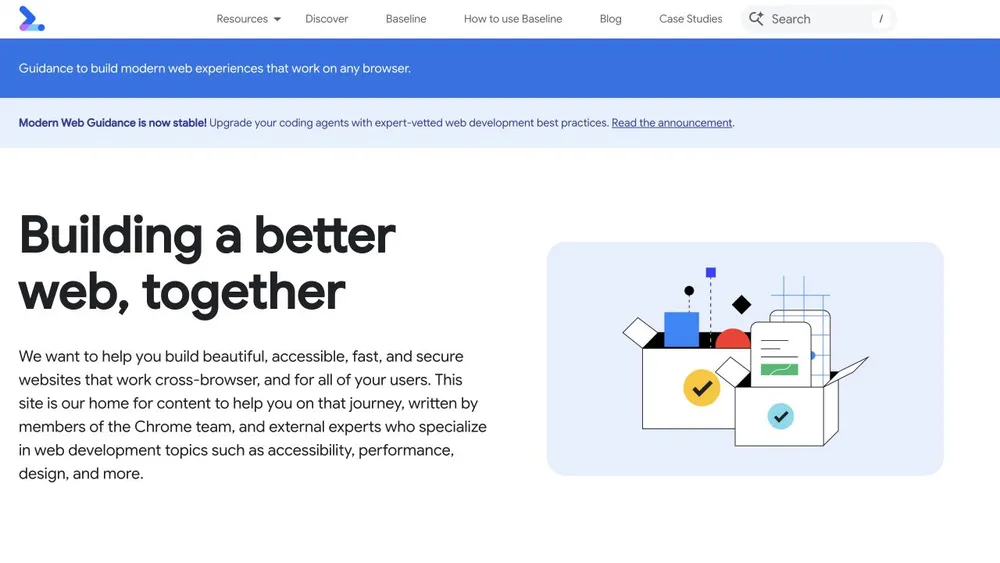
web.dev
Design referenceA reference for a technical publication organized around practical topics.
Improve and ship
Find the dominant loading or interaction cost and prove whether a focused change helps.
A measured performance improvement with a reproducible baseline and no lost critical functionality.
Choose your AI tool, describe your task, and copy one complete project brief. Your inputs stay in this tab.
Includes your prompt, selected references, skill instructions, setup steps, and checks. Use your own AI account; Pristren does not run a model here.
Describe your project or task to prepare your brief.
Improve performance for [Describe the project, audience, and useful result.] while respecting Use existing project conventions. State assumptions and verify the result..

Inspect the page, build output, and current loading behavior. Record the tested URL/build, device and network settings, relevant metrics, and the main user journey. Distinguish lab observations from field data. Do not promise a score or infer performance from source size alone.

Find the dominant observed cost: critical requests, oversized media, blocking scripts, unnecessary hydration, layout movement, or long interaction work. Explain the evidence and select one focused change with a plausible causal path. Keep the page’s important content, accessibility, analytics requirements, and business action intact. Prefer deferring optional media or reducing avoidable work over a broad rewrite.

Make the change and repeat the same measurements with comparable conditions. Complete the main user task, inspect reduced motion and narrow screens if relevant, and check the production build. Report before/after observations with run variability and any tradeoff. If the result is inconclusive, say so and propose the next measurement instead of claiming a win.

Execution environment: Codex. Follow applicable project instructions and verify the requested result.

Workflow
https://pristren.com/workflows/improve-website-performance/

Expected result
A measured performance improvement with a reproducible baseline and no lost critical functionality.

Before you begin
- A reproducible production or production-like page.
- A target device/viewport and critical visitor journey.
- Access to build output and a baseline measurement.

Setup for Codex
- Start Codex in the repository and read applicable AGENTS.md guidance. Include only the files this task needs.
- Investigate the largest observed cost before changing dependencies or rewriting the page.
- Use the acceptance checks below to assess the result; an agent completion message is not evidence that the task passed.

Visual references
Study these as design references. Create an original design; do not copy branding, assets, or an entire layout.
- web.dev: https://web.dev/
  Readable headings and summaries help readers explore or find one answer.
  Link explanations to practical workflows without interrupting the article itself.
- Plausible: https://plausible.io/
  Make the central job understandable without specialist knowledge.
  A readable dashboard preview can explain the product without embedding a live application.
- Astro: https://astro.build/
  Connect a technical promise to a recognizable category of website.
  A showcase can broaden the story without expensive interactive cards.

Selected resources
- Lighthouse: https://developer.chrome.com/docs/lighthouse/overview
  Open the target production-like page in Chrome DevTools and choose Lighthouse. Select the relevant mode, device, and audit categories before generating a report.
  Record the exact test conditions and save the report. Repeat under comparable conditions after the change; inspect the underlying metrics and failed audits.
  Start Codex in the repository and read applicable AGENTS.md guidance. Include only the files this task needs.
  Use the official source below for current runtime requirements and package-manager-specific commands. Report the actual result and any unsupported environment.
- Improve website performance — master prompt: https://pristren.com/resources/improve-website-performance-prompt/
  Use the task-specific master prompt above.

Execution
1. Record a production-like baseline and the critical journey.
2. Inspect the request and execution evidence; choose one dominant cost.
3. Make a focused fix and preserve essential behavior.
4. Repeat comparable runs and summarize observed change and uncertainty.

Acceptance checks
- Before/after runs identify build, viewport, and measurement conditions.
- The primary visitor task still succeeds.
- No new layout movement or hidden content is introduced.
- Reported claims distinguish lab observations from field performance.

If something fails
- Scores vary between runs: Compare several equivalent runs and inspect the underlying metric and waterfall before attributing a difference.
- The page is small but interaction is slow: Inspect long tasks and event handling. Transfer size alone does not explain runtime responsiveness.

Inspect the project first. Report the changes, the checks actually run, and anything still unresolved. Ask before any deployment or external publication.
These source links and design notes travel with your brief. Keep only the references that fit your project.
Tool setup checked against official documentation. Pristren has not executed this workflow through this tool.
Required resources are included. Add optional ones when your task needs them.
Required
Start with this workflow’s original task-specific master prompt.
Review instructionsA reference for a technical publication organized around practical topics.
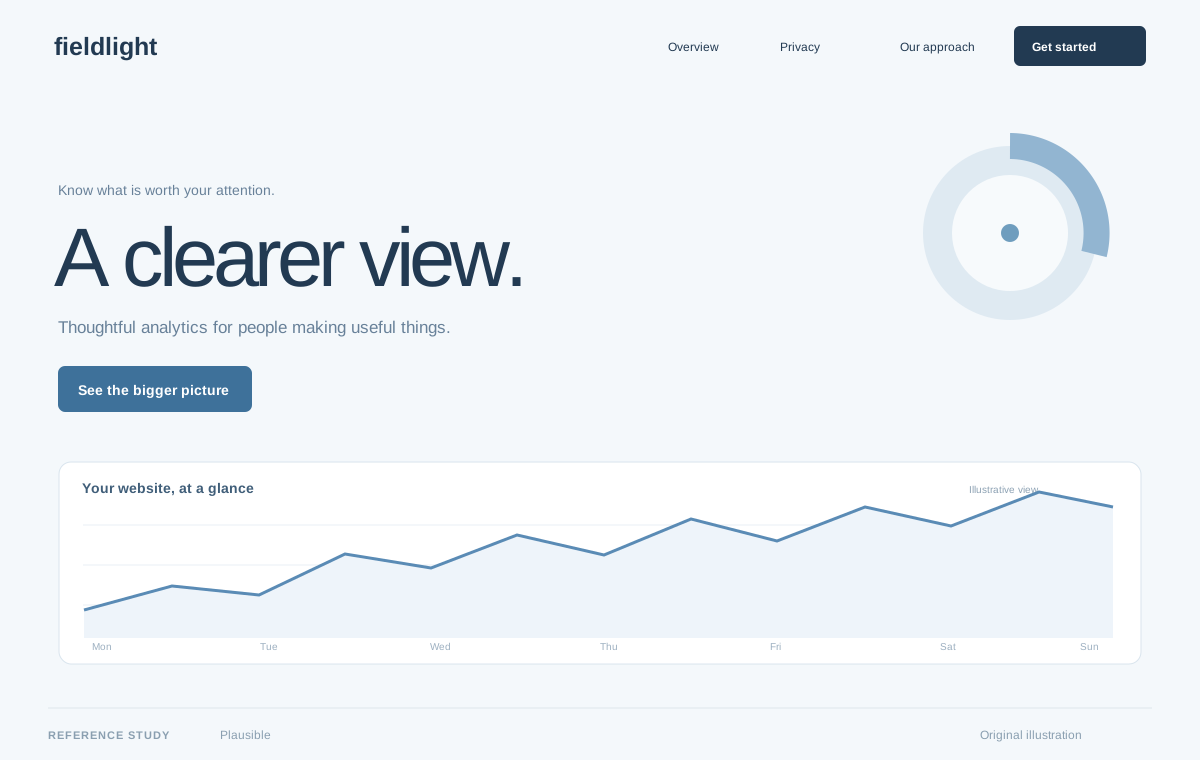
A reference for explaining a focused analytics product through clarity.
Original Pristren concept study. View the source for the actual site.
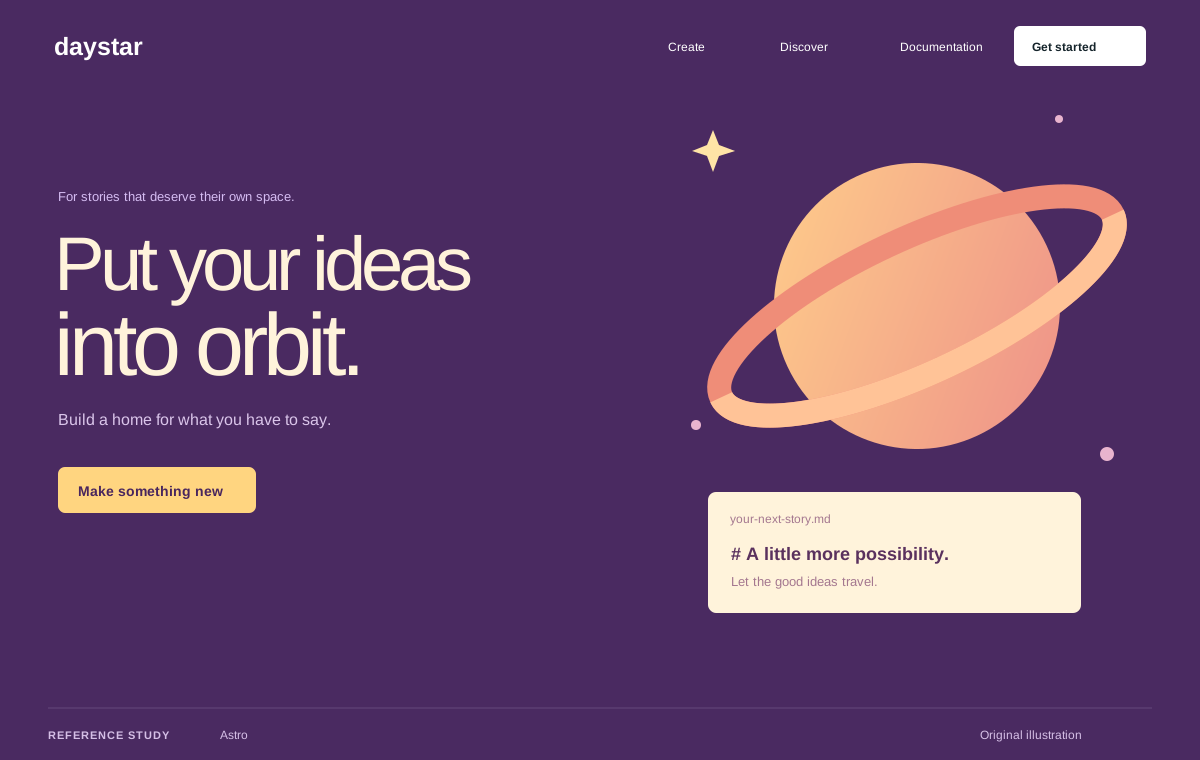
A reference for a framework introduced through the websites it enables.
Original Pristren concept study. View the source for the actual site.
Compare several equivalent runs and inspect the underlying metric and waterfall before attributing a difference.
Inspect long tasks and event handling. Transfer size alone does not explain runtime responsiveness.
Try the brief in your AI tool first. Your feedback helps us find workflows that need attention.