
A competitor comparison, a messy sales export, and a folder of meeting notes have something in common: the useful result usually requires several steps across several files. You need to gather evidence, resolve inconsistencies, produce a deliverable, and check it.
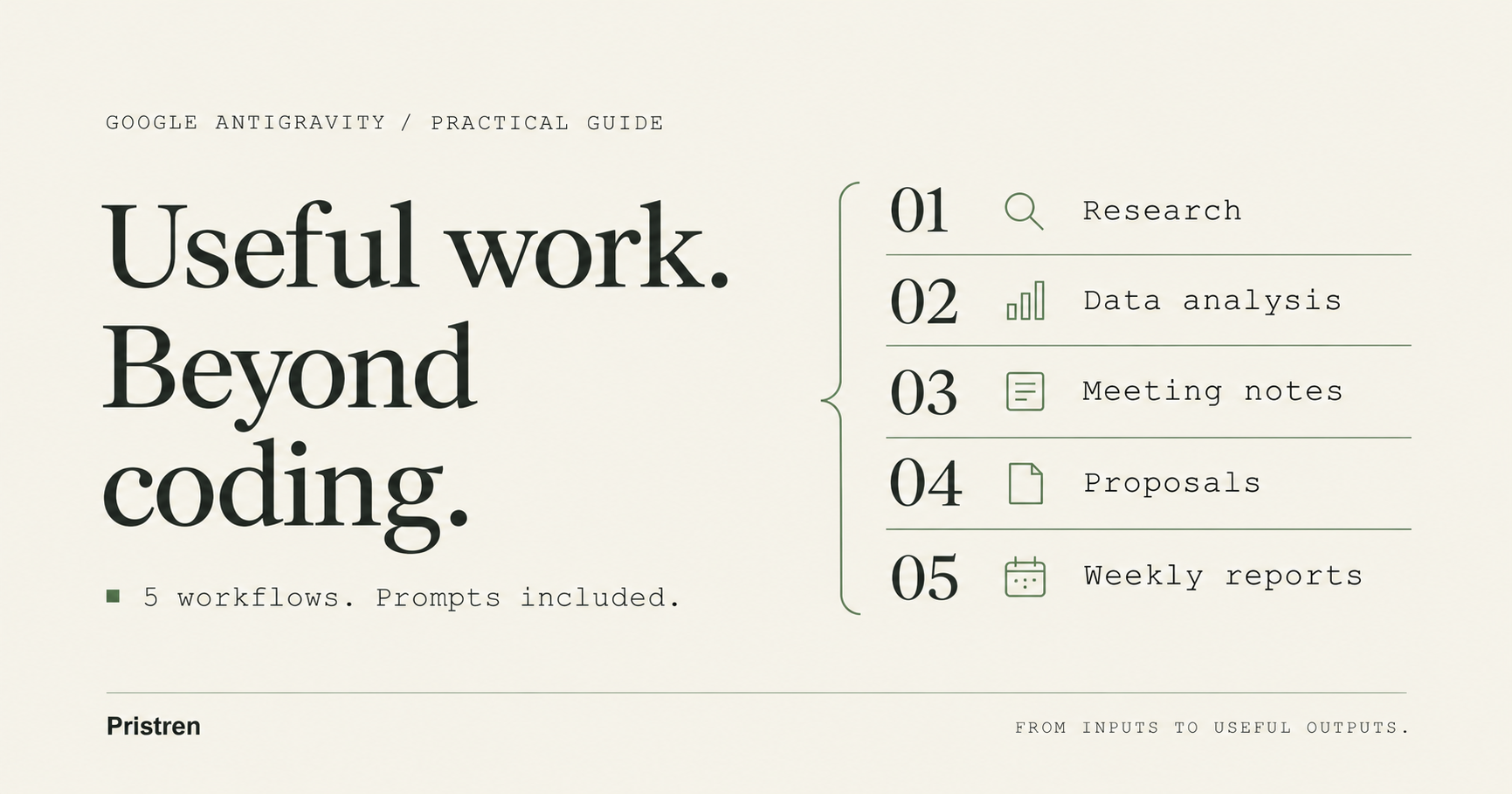
These five Google Antigravity workflows beyond coding give that work a concrete shape. Each includes the inputs to prepare, a prompt to reuse, the output to request, and a check before you rely on it.
The timing matters. Google announced Antigravity's Knowledge Work interface on November 9, 2026, explicitly discussing research, analysis, documents, and presentations. The App offers Knowledge Work and Software Engineering layouts around the same underlying agent. Google's announcement.
About these examples: This is a documentation-based guide, checked on November 12, 2026. The prompts are original proposed workflows, not results from hands-on Antigravity trials. We have not measured completion times, accuracy, or cost.
Set up a small working folder first
Use the Antigravity App for the interface instructions below. Google's feature overview documents Knowledge Work under Settings → General → Interface Layout, for personal Google Accounts on App version 2.30.0 or later. Check your installed version and account if the option is missing. Feature overview.
Start with one folder containing copies of the materials for your task. For the examples, use an inputs folder for source files and an outputs folder for new work. Those are our suggested names, not required Antigravity conventions.
Ask the agent to list the files it can actually read before starting. Mention relevant files or folders with @ in the App so the scope is clear. Keep an untouched copy of the original inputs.
Connected services need a separate check. Google documents plugins that package skills and MCP tools, with configuration and sign-in requirements where applicable. A prompt mentioning your CRM or shared drive does not establish access to it. Confirm the connection, or supply an export. Plugins and credential setup.
1. Turn competitor research into a decision brief
Best for: a founder choosing a service, a marketer preparing positioning, or a product team evaluating alternatives.
Prepare: three product names and official URLs, a specific buyer profile, and the criteria that matter. For example, compare appointment tools for a five-person consultancy needing calendar integration, reminders, and data export.
A useful comparison answers a purchase question. Ask which product meets the stated requirements, with plan qualifications and evidence attached.
Copy this prompt
Compare the three products listed in inputs/products.txt for a
five-person consultancy choosing an appointment-booking tool.

Evaluate calendar integration, reminder options, team scheduling,
data export, and the price of the plan needed for those requirements.

Use current official documentation and pricing pages where accessible.
For every factual comparison, record the URL, date checked, applicable
plan, and a short explanation.

Distinguish supported, limited, not documented, and unknown.
Do not treat missing documentation as proof that a feature is absent.
If a source cannot be opened, mark the claim unverified.

Save a comparison.csv and a decision-brief.md in outputs.
Recommend an option only against the stated requirements.
List unresolved questions that could change the recommendation.
Expected output: a comparison file plus a short recommendation explaining which requirements drive the decision.
Review check: open the sources behind the three most consequential claims. Confirm whether prices are per user or per workspace, whether billing is monthly or annual, and whether a required capability belongs to a more expensive plan.
Common failure: combining one vendor's free-tier limitations with another vendor's enterprise features. The plan column helps expose that mismatch.
If web access is unavailable, supply saved source material and ask for a comparison limited to those documents. The result should state that it is not a current market check.
2. Explain a spreadsheet export with reproducible calculations
Best for: understanding a sales change, reviewing campaign performance, or finding unusual expenses.
Prepare: a CSV export and a short definition of each column. Include the reporting period, currency, timezone, and treatment of refunds. Start with a sanitized sample if the real data contains customer details.
Google describes data analysis as a Knowledge Work use case. The workflow below requests calculations and an audit trail; the ability to execute them still depends on the tools available in your session.
Copy this prompt
Analyze inputs/sales.csv to explain the change in net sales between
the two complete calendar months represented in the file.

First inspect the schema and report date ranges, currencies, missing
values, duplicate transaction IDs, and refund representation.
Ask before choosing an interpretation that materially changes totals.

Use completed transactions only. Define net sales from the available
fields and show that definition before calculating.

Calculate each month's total, the absolute and percentage change,
and contributions by product and sales channel.
Keep currencies separate unless I provide conversion rates.
Flag zero denominators rather than inventing percentage changes.

Save summary.md, monthly-totals.csv, and the calculation steps or
script used in outputs. Treat suspected causes as hypotheses.
If execution is unavailable, say so and provide unexecuted steps
instead of presenting guessed results as calculated.
Expected output: reconciled totals, a breakdown of what changed, and enough detail to repeat the calculation.
Review check: independently total one month and inspect several refunds. Confirm that filtering did not silently drop an entire channel.
Illustrative arithmetic: if net sales were 12,000 in one month and 9,000 in the next, the change is −3,000, or −25%. These are fictional numbers to illustrate a check, not an Antigravity result.
Common failure: turning a correlation into a business explanation. A decline concentrated in one channel tells you where to investigate; it does not prove why customers bought less.
3. Convert meeting notes into decisions and follow-ups
Best for: project handoffs, customer discovery, and weekly team meetings.
Prepare: supplied notes or a transcript, the meeting date, and a participant list. This example starts with existing text; it does not assume Antigravity automatically joins or records meetings.
The key distinction is between something someone discussed, something the group decided, and something a named person committed to do.
Copy this prompt
Read inputs/meeting-notes.txt and inputs/participants.txt.
Create a decision log and an action list for this meeting.

For each decision, include the decision, supporting passage, and
any condition or unresolved disagreement.

For each action, include the task, explicitly assigned owner,
explicit due date, and supporting passage.
Write "unassigned" or "not specified" when those details are absent.
Separate suggestions from agreed commitments.

Flag ambiguous dates and pronouns instead of resolving them silently.
Use the meeting date only when interpreting an unambiguous relative date.

Save meeting-summary.md and actions.csv in outputs.
Draft a short follow-up message for review.
Do not send messages or create calendar events.
Expected output: a summary that preserves uncertainty and an action list grounded in the source.
Review check: trace every owner and deadline back to the notes. “We should ask Maya” does not mean Maya accepted the task.
Common failure: smoothing a messy discussion into false agreement. A useful summary can say “no decision reached” and identify the question that remains open.
For recurring meetings, keep the prior action list as a separate input. Ask the agent to compare it with the new notes and mark completion only when there is supporting evidence.
4. Turn approved research into a proposal and presentation outline
Best for: a customer proposal, an internal project pitch, or a launch review.
Prepare: an approved research brief, audience description, brand guidance, and the decision you want the reader to make.
Google's announcement includes document and presentation drafting among Antigravity's uses. This example requests Markdown deliverables first, so it does not assume a particular Office or Google Workspace integration.
Copy this prompt
Use inputs/approved-research.md to prepare a proposal for a
six-week customer-onboarding improvement pilot.

The audience is the head of operations.
The requested decision is approval to scope the pilot.

Create:
1. A proposal under 900 words covering the problem, evidence,
   proposed approach, success measures, dependencies, and open questions.
2. A six-slide outline with one main claim per slide, supporting
   evidence references, and speaker notes.

Keep supplied facts separate from recommendations and assumptions.
Do not invent customer quotes, savings, budgets, or success metrics.
If a number is missing, identify what must be measured or agreed.

Save proposal.md and presentation-outline.md in outputs.
Check that every number matches the approved research.
Expected output: a concise proposal and a presentation outline that tell the same story.
Review check: compare the proposal, slides, and source brief for conflicting dates, costs, and claims. Check that “success measures” are proposed criteria rather than fabricated achievements.
Common failure: expanding uncertain research into confident sales language. An attractive sentence can still overstate the evidence.
If you need DOCX, PPTX, or a native cloud document, inspect the installed skill or integration for that format. Then request the export and visually review it. A slide outline is a useful intermediate deliverable; it is not a finished presentation.
For more on developing content from research, see our AI content production workflow guide.
5. Build a repeatable weekly business report
Best for: weekly operations updates, project summaries, and regular performance reviews.
Prepare: a reporting specification, current source exports, and an approved prior report. Define the week boundary, timezone, metrics, and where the output belongs.
Run the report manually first. Verify the data selection and calculations before asking for a recurring run.
Copy this manual-run prompt
Create this week's operations report using inputs/report-spec.md
and the source files it explicitly names.

List the reporting period, source modification dates, and missing
inputs before calculating metrics.
Apply the metric definitions in the specification.
Compare against the previous period only when comparable data exists.

Write outputs/weekly-report-YYYY-MM-DD.md with:
- metric changes and their calculation basis;
- confirmed completed work;
- blockers supported by the supplied records;
- decisions needed;
- missing or stale evidence.

Do not carry forward last week's claims without current support.
Do not send or publish the report.
If essential inputs are missing, produce a clearly incomplete report.
Expected output: a dated report with explicit inputs and evidence gaps.
Review check: confirm the report selected the correct week. Supply a deliberately missing input during a trial and check that the result identifies the gap rather than recycling an old number.
Make it recurring after the manual run works
Google documents /automation in the Antigravity App for persistent recurring work. Setup creates a paused automation for review and activation. Each run starts a fresh conversation, so the instructions must contain the context needed to work independently. Automation setup.
A proposed setup request is:
/automation Every Monday at 09:00 Asia/Dhaka, create a draft weekly
operations report for the previous complete Monday-Sunday week.

Use the absolute project folder and report-spec.md that I identify
during setup. Include the full reporting instructions in the
automation so it does not depend on this conversation.

Read only the specified sources. Save a dated report in the
designated output folder. Report missing or stale inputs explicitly.
Do not send, publish, or modify source records.

Show the schedule, source locations, output location, and permissions
for review. Run a setup test before I enable it.
Replace the project and file references with real locations during setup. Review the permissions and test result before enabling the automation. Unattended runs can fail when required permissions have not been granted.
For a timer or check belonging to an active conversation, Google documents /schedule separately. Use the persistent automation flow for a standing weekly report. Scheduling guide.
Choose the first workflow by how easily you can check it
Meeting notes are a reasonable starting point when you have a short source document and can verify every action. A spreadsheet export is useful when you can independently reconcile the totals. Competitor research needs more source checking because prices and product details change.
After several successful runs, consider packaging stable instructions as an Antigravity skill. Google documents skills as reusable instruction packages with optional supporting resources. A focused reporting skill could hold your metric definitions and output structure. Agent skills.
Keep the measure of success concrete: a recommendation with traceable sources, totals that reconcile, actions grounded in the meeting, or a report that catches missing inputs. Our guide to evaluating AI agents explains why task completion alone is an incomplete measure.
Start with one deliverable you already know how to judge. That gives you a practical way to decide whether Antigravity improves the work.




Comments
Have a question or something to add? Sign in to join the discussion.