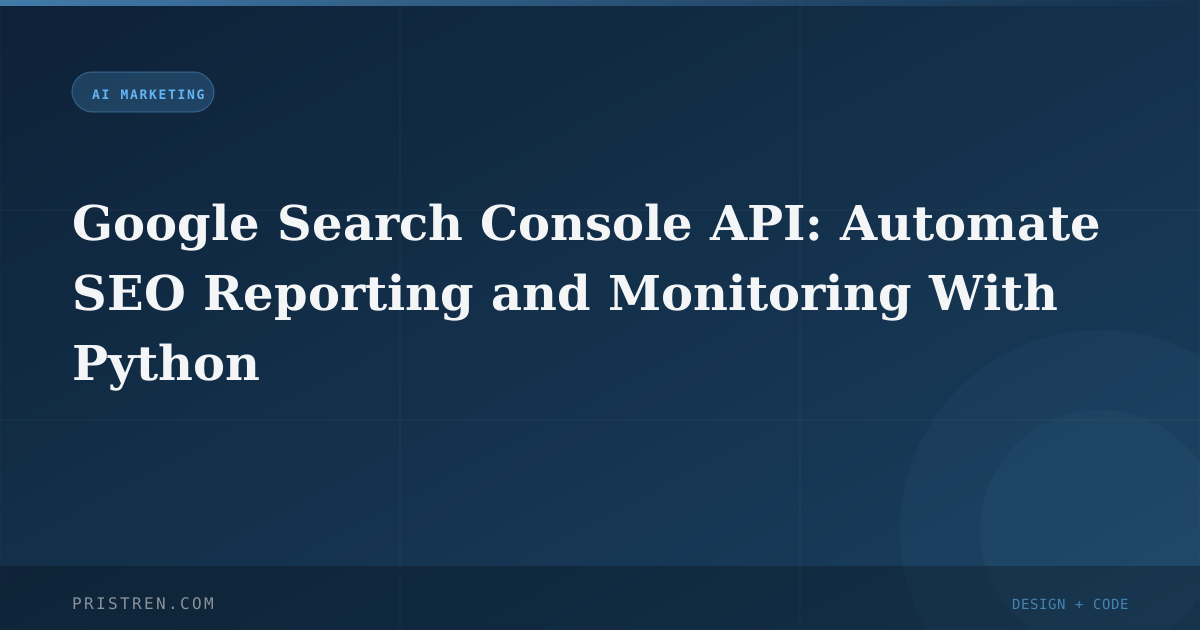
Google Search Console API: Automate SEO Reporting and Monitoring With Python
The GSC Search Analytics API lets you pull performance data programmatically, build automated reports, and set up traffic drop alerts - no more manual CSV exports.

Mahmudul Haque Qudrati
CEO & ML Engineer
May 20, 2026
5 min read
One AI engineering post, weekly
LLM benchmarks, prompt techniques, and token-cost breakdowns — not another AI news roundup.
The Google Search Console web interface is great for quick checks, but it has real limitations: only 16 months of data, 1,000 rows per export, no automation, and no way to combine with other data sources. The Search Analytics API removes all these constraints.
With the API, you can:
- Store unlimited historical data in your own database
- Pull up to 25,000 rows per request (vs 1,000 in UI)
- Schedule weekly or daily reports automatically
- Combine GSC data with GA4, CRM, or any other source for full-funnel analysis
- Set up real-time alerts when traffic drops unexpectedly
This guide walks you through Python setup, authentication, basic queries, automated reporting to Google Sheets, and traffic drop alerts. All code is copy-paste ready.
Python Setup
Install the required packages:
bash
pip install google-auth google-auth-oauthlib google-api-python-client gspread pandas
You need OAuth 2.0 credentials from Google Cloud Console:
- Go to console.cloud.google.com and create a project (or select existing)
- Enable the "Google Search Console API"
- Create OAuth 2.0 credentials (Desktop application type)
- Download the
client_secrets.jsonfile - Add your email as a user in the GSC property (if not already)
Important: Keep client_secrets.json secure. Never commit it to public repositories.
Team workspace
Ship faster with chat, meetings, and projects in one place — Zlyqor.
Authentication and Basic Query
python
from google.oauth2.credentials import Credentials
from google_auth_oauthlib.flow import InstalledAppFlow
from googleapiclient.discovery import build

SCOPES = ['https://www.googleapis.com/auth/webmasters.readonly']

def authenticate():
    flow = InstalledAppFlow.from_client_secrets_file('client_secrets.json', SCOPES)
    credentials = flow.run_local_server(port=0)
    return build('searchconsole', 'v1', credentials=credentials)

service = authenticate()
site_url = 'sc-domain:yourdomain.com'  # or 'https://yourdomain.com/'

# Fetch top queries with impressions > 100, excluding branded terms
response = service.searchanalytics().query(
    siteUrl=site_url,
    body={
        'startDate': '2026-01-01',
        'endDate': '2026-05-01',
        'dimensions': ['query'],
        'dimensionFilterGroups': [{
            'filters': [{
                'dimension': 'query',
                'operator': 'notContains',
                'expression': 'brand-name'  # exclude branded queries
            }]
        }],
        'rowLimit': 25000,
        'startRow': 0
    }
).execute()

rows = response.get('rows', [])
for row in rows:
    if row['impressions'] > 100:
        print(f"Query: {row['keys'][0]}, Clicks: {row['clicks']}, Position: {row['position']:.1f}")
Note: The first authentication requires a browser flow. For headless servers, use service accounts instead.
Automated Weekly Report to Google Sheets
This script runs weekly to append fresh data to a Google Sheet. You'll need a service account for unattended execution.
Service Account Setup
- In Google Cloud Console, create a service account and download its JSON key.
- Share your target Google Sheet with the service account email (as editor).
- Enable the Google Sheets API.
python
import gspread
from google.oauth2.service_account import Credentials
from datetime import datetime, timedelta

def get_weekly_data(service, site_url):
    end_date = datetime.now().strftime('%Y-%m-%d')
    start_date = (datetime.now() - timedelta(days=7)).strftime('%Y-%m-%d')

    response = service.searchanalytics().query(
        siteUrl=site_url,
        body={
            'startDate': start_date,
            'endDate': end_date,
            'dimensions': ['page', 'query'],
            'rowLimit': 5000
        }
    ).execute()
    return response.get('rows', [])

def write_to_sheets(rows, sheet_name='GSC Weekly Report'):
    gc = gspread.service_account(filename='service_account.json')
    sh = gc.open(sheet_name)
    ws = sh.get_worksheet(0)

    headers = ['Page', 'Query', 'Clicks', 'Impressions', 'CTR', 'Position', 'Date']
    data = [headers]
    today = datetime.now().strftime('%Y-%m-%d')

    for row in rows:
        data.append([
            row['keys'][0],
            row['keys'][1],
            row['clicks'],
            row['impressions'],
            f"{row['ctr']:.2%}",
            f"{row['position']:.1f}",
            today
        ])

    # Append rows (skip header if sheet already has it)
    ws.append_rows(data[1:])
Pro tip: Use ws.clear() and rewrite headers if you want a fresh report each week instead of appending.
Traffic Drop Alert
Catch traffic drops before they become crises. This function compares clicks week-over-week and sends an alert if the drop exceeds a threshold.
python
def check_traffic_drop(service, site_url, threshold=0.20):
    """Alert if clicks dropped more than threshold% week over week."""
    def get_clicks(start, end):
        r = service.searchanalytics().query(
            siteUrl=site_url,
            body={'startDate': start, 'endDate': end, 'dimensions': ['date'], 'rowLimit': 7}
        ).execute()
        return sum(row['clicks'] for row in r.get('rows', []))

    this_week_end = datetime.now().strftime('%Y-%m-%d')
    this_week_start = (datetime.now() - timedelta(days=7)).strftime('%Y-%m-%d')
    last_week_end = (datetime.now() - timedelta(days=7)).strftime('%Y-%m-%d')
    last_week_start = (datetime.now() - timedelta(days=14)).strftime('%Y-%m-%d')

    this_week = get_clicks(this_week_start, this_week_end)
    last_week = get_clicks(last_week_start, last_week_end)

    if last_week > 0:
        change = (this_week - last_week) / last_week
        if change < -threshold:
            send_alert(f"Traffic dropped {abs(change):.0%} week over week ({last_week} -> {this_week} clicks)")
You'll need to implement send_alert() (e.g., email via SMTP, Slack webhook, or PagerDuty). Schedule this script with cron or GitHub Actions to run every Monday morning.
Advanced: Handling Pagination and Rate Limits
The API returns up to 25,000 rows per request. To get more, use startRow parameter:
python
def fetch_all_rows(service, site_url, body):
    all_rows = []
    start_row = 0
    while True:
        body['startRow'] = start_row
        response = service.searchanalytics().query(
            siteUrl=site_url, body=body
        ).execute()
        rows = response.get('rows', [])
        if not rows:
            break
        all_rows.extend(rows)
        start_row += len(rows)
        if len(rows) < 25000:
            break
    return all_rows
Rate limits: 2 queries per second per property. Use time.sleep(0.5) between requests if you hit limits.
Combining GSC with GA4 for Full-Funnel Analysis
Export GSC data to BigQuery or a local database, then join with GA4 data on page path. Example:
python
# Pseudocode for joining GSC and GA4 data
import pandas as pd

gsc_df = pd.DataFrame(gsc_rows)
ga4_df = pd.read_csv('ga4_export.csv')

merged = pd.merge(gsc_df, ga4_df, left_on='keys', right_on='pagePath', how='left')
merged['conversion_rate'] = merged['conversions'] / merged['clicks']
This lets you see which search queries drive actual conversions, not just clicks.
Best Practices
- Use service accounts for production scripts to avoid manual OAuth flow.
- Store credentials securely using environment variables or secret managers.
- Handle errors gracefully: API calls can fail due to quota or network issues. Wrap calls in try-except.
- Respect rate limits: 2 QPS per property. Batch requests if needed.
- Filter out branded queries to see non-brand performance clearly.
- Backfill historical data by running daily pulls for a few months.
Common Pitfalls
- Wrong site URL format: Use
sc-domain:example.comfor domain properties,https://example.com/for URL-prefix properties. - Missing permissions: The authenticated user must have access to the GSC property.
- Date range too large: API limits to 16 months. For longer periods, paginate by month.
- Ignoring sampling: The API may sample data for large sites. Use
dataState: 'all'to request unsampled data (may increase latency).
Conclusion
Automating GSC data extraction with Python saves hours of manual work and enables proactive SEO monitoring. Start with the basic query, then add weekly reports and alerts. As you grow, integrate with other data sources for a complete picture of your search performance.
Links: GSC API reference | Python quickstart | google-auth library
Frequently Asked Questions
What is Google Search Console API: Automate SEO Reporting and Monitoring With Python?
It's a guide that shows how to use the Google Search Console API with Python to automate SEO reporting and monitoring. Instead of manually exporting CSV files from the GSC web interface, you can write Python scripts to pull performance data (clicks, impressions, CTR, position) programmatically, store it in your own database, generate automated reports (e.g., to Google Sheets), and set up alerts for traffic drops. This saves time and enables more advanced analysis.
How does Google Search Console API: Automate SEO Reporting and Monitoring With Python work?
You authenticate using OAuth 2.0 or a service account, then call the `searchanalytics().query()` method with parameters like date range, dimensions (query, page, country, etc.), and filters. The API returns JSON with rows of data. You can loop through rows, process them, and write to a database or spreadsheet. For automation, schedule the script with cron or GitHub Actions. The guide provides complete Python code for authentication, basic queries, weekly reports to Google Sheets, and traffic drop alerts.
What are the best practices for Google Search Console API: Automate SEO Reporting and Monitoring With Python?
Best practices include: (1) Use service accounts for unattended scripts, (2) Store credentials securely using environment variables or secret managers, (3) Handle API errors with try-except blocks, (4) Respect rate limits (2 queries per second per property) by adding delays, (5) Filter out branded queries to focus on non-brand performance, (6) Backfill historical data by running daily pulls over several months, (7) Use pagination to retrieve more than 25,000 rows, and (8) Combine GSC data with GA4 or other sources for full-funnel analysis.
How much does Google Search Console API: Automate SEO Reporting and Monitoring With Python cost?
The Google Search Console API is free to use. There are no charges for API calls, but you must have a Google Cloud project with the API enabled. The Python libraries used (google-auth, google-api-python-client, gspread, pandas) are open-source and free. The only potential costs are if you use cloud services for hosting your scripts (e.g., a small VM or cloud function) or if you exceed Google Cloud's free tier for other services like BigQuery. Overall, the automation can be done at zero or minimal cost.
Is Google Search Console API: Automate SEO Reporting and Monitoring With Python worth it in 2026?
Absolutely. As of 2026, the GSC API remains the only way to programmatically access search performance data beyond the UI's 16-month limit and 1,000-row export cap. Automating reporting saves hours per week for SEO professionals, and traffic drop alerts help catch issues early. The API is stable and well-documented. With Python's ecosystem, you can easily integrate with other tools (Slack, Google Sheets, databases). For any serious SEO operation, this automation is a must-have.
#gsc-api#automation#python#seo-reporting#search-analytics
Mahmudul Haque Qudrati
CEO & ML Engineer
Visionary technologist, software engineer, and machine learning specialist. Founder and CEO of Pristren, directing engineering teams that ship production-grade AI/ML pipelines, mission-critical full-stack applications, and developer tooling. Creator of Zlyqor, the unified team workspace platform. Author of 540+ technical guides and benchmark research reports on large language models, agentic workflows, Model Context Protocol (MCP), and modern web stacks.


More from Mahmudul
Related Articles
 11 min read
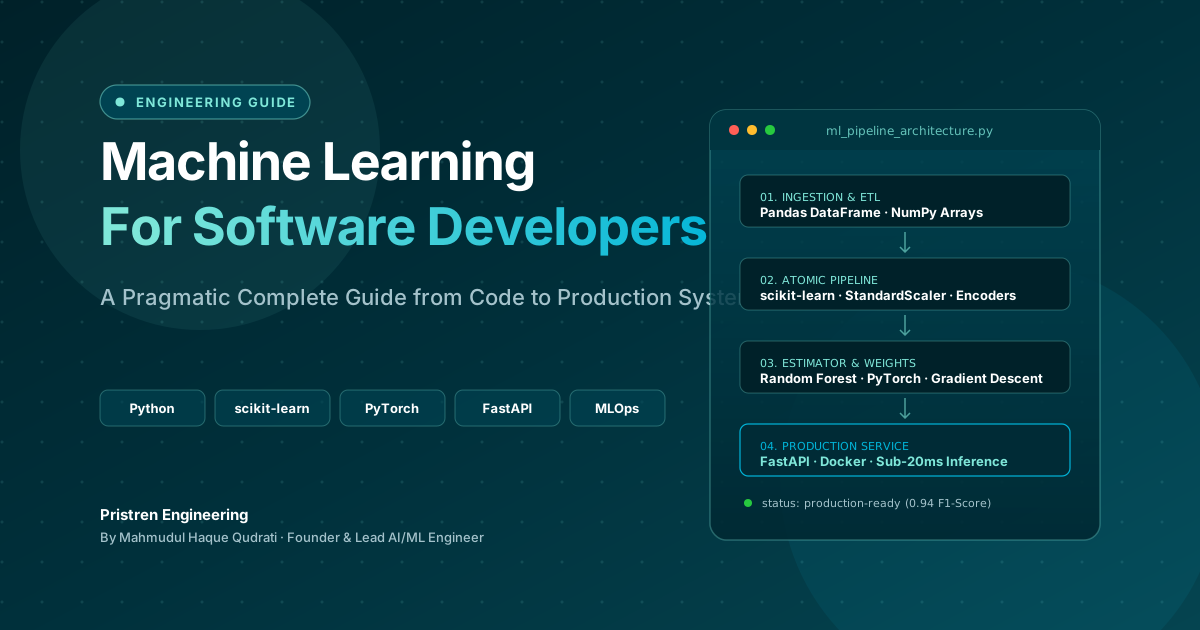
Machine Learning: Complete Guide for Software Developers
Learn machine learning as a software developer with this complete guide covering Python, algorithms, mathematics, projects, deep learning, and a practical roadmap.
 10 min read
GitHub Actions for Application Developers: A Practical Guide
You do not need a DevOps background to get real value from GitHub Actions. Here is everything an application developer needs to know.
 9 min read
Playwright End-to-End Testing Guide for Next.js
Playwright covers all major browsers, handles multi-tab flows, and runs faster than Cypress. Here is how to write tests that do not break.
// discussion
Comments