Pixtral 12B: Mistral's First Vision-Language Model
Pixtral 12B processes images at arbitrary resolution without fixed patch sizes, scores 52.5% on MMMU, and is available under an Apache 2.0 license.

Mahmudul Haque Qudrati
CEO & ML Engineer
May 9, 2026
7 min read
One AI engineering post, weekly
LLM benchmarks, prompt techniques, and token-cost breakdowns — not another AI news roundup.
Pixtral 12B is Mistral AI's first vision-language model - a 12-billion parameter multimodal model that combines a new vision encoder (400M params) with the Mistral Nemo 12B language backbone.
The model is released under Apache 2.0 - fully open for commercial use, fine-tuning, and deployment without restrictions.
Arbitrary Resolution Image Processing
Most vision-language models process images at a fixed resolution (e.g., 336×336 or 448×448 pixels), which distorts or loses information in images with unusual aspect ratios. Pixtral uses a variable-resolution approach: images are tiled into patches that preserve the native aspect ratio, with no forced resizing.
This matters for:
- Documents - preserve text readability at native resolution
- Panoramic images - no distortion from forced square crop
- Diagrams - fine detail in technical drawings remains crisp
- Charts - axis labels and data points remain legible
Team workspace
Ship faster with chat, meetings, and projects in one place — Zlyqor.
Benchmark Results
| Benchmark | Pixtral 12B | LLaVA-1.6 34B | InternVL2 8B | GPT-4o mini |
|---|---|---|---|---|
| MMMU | 52.5% | 49.9% | 51.2% | 60.0% |
| MathVista | 58.0% | 46.5% | 54.7% | 52.4% |
| ChartQA | 81.8% | 65.5% | 83.3% | 85.7% |
| DocVQA | 90.1% | 78.2% | 91.5% | 88.5% |
Pixtral beats LLaVA-1.6 34B (nearly 3x larger) on every benchmark - a strong result for a 12B model.
Using the Mistral API
python
from mistralai import Mistral
import base64

client = Mistral(api_key="your-api-key")

# Load image as base64
with open("chart.png", "rb") as f:
    image_b64 = base64.b64encode(f.read()).decode()

response = client.chat.complete(
    model="pixtral-12b-2409",
    messages=[
        {
            "role": "user",
            "content": [
                {
                    "type": "image_url",
                    "image_url": f"data:image/png;base64,{image_b64}"
                },
                {
                    "type": "text",
                    "text": "Extract all data values from this bar chart as a JSON array."
                }
            ]
        }
    ]
)
print(response.choices[0].message.content)
Self-Hosting With vLLM
bash
pip install vllm

# Start vLLM server with Pixtral
python -m vllm.entrypoints.openai.api_server     --model mistralai/Pixtral-12B-2409     --tokenizer_mode mistral     --config_format mistral     --load_format mistral     --max-model-len 32768     --gpu-memory-utilization 0.9
The vLLM server exposes an OpenAI-compatible endpoint - switch base_url in your existing code.
Use Cases
Invoice and receipt processing: Extract line items, totals, and vendor details from scanned documents with high accuracy.
Technical diagram analysis: Parse architecture diagrams, circuit schematics, or flowcharts and convert to structured descriptions.
Chart data extraction: Pull numeric values from bar charts, line graphs, and tables for automated reporting pipelines.
Screenshot understanding: Analyze UI screenshots for accessibility audits, bug reports, or automated testing.
Summary
Pixtral 12B is the strongest Apache 2.0 licensed vision model in its size class. The variable resolution approach is a genuine architectural improvement over fixed-patch models. Access it via Mistral API or download weights from HuggingFace.
#pixtral#mistral#vision#vlm#multimodal
Mahmudul Haque Qudrati
CEO & ML Engineer
Visionary technologist, software engineer, and machine learning specialist. Founder and CEO of Pristren, directing engineering teams that ship production-grade AI/ML pipelines, mission-critical full-stack applications, and developer tooling. Creator of Zlyqor, the unified team workspace platform. Author of 540+ technical guides and benchmark research reports on large language models, agentic workflows, Model Context Protocol (MCP), and modern web stacks.


More from Mahmudul
Related Articles
 11 min read
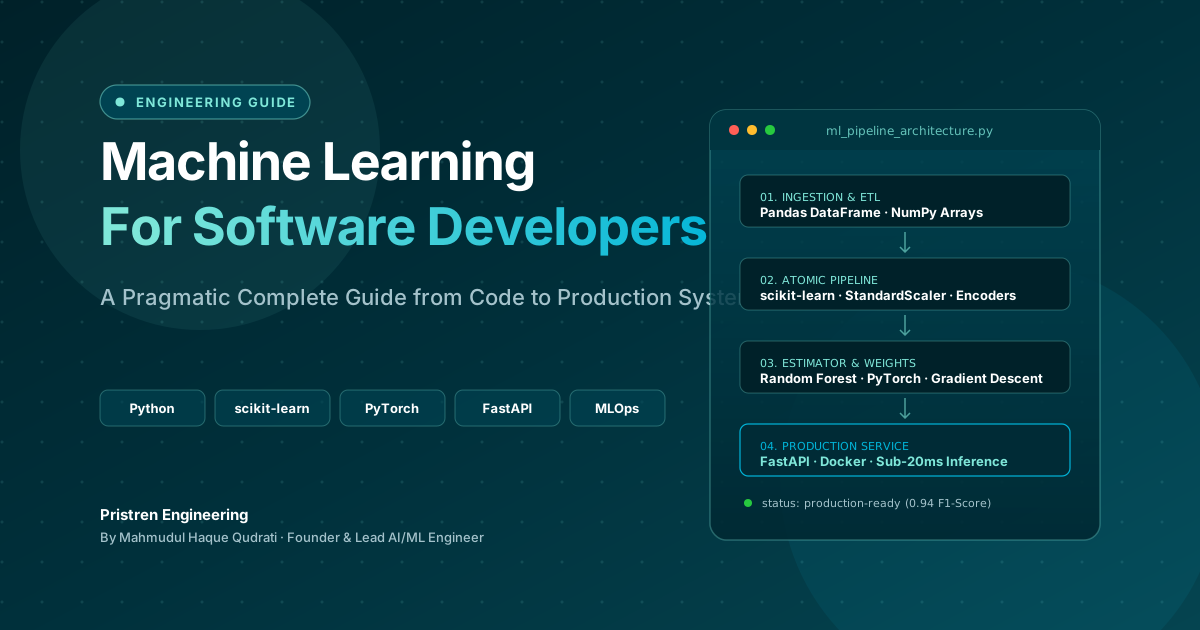
Machine Learning: Complete Guide for Software Developers
Learn machine learning as a software developer with this complete guide covering Python, algorithms, mathematics, projects, deep learning, and a practical roadmap.
 10 min read
Local LLMs in 2026: Comparing Llama 3.3, Mistral Large, and DeepSeek-R1
Running LLMs locally is no longer just for developers. We benchmark the latency, memory usage, and reasoning quality of 2026's top open models.
 7 min read
ONNX: Export Any ML Model and Run It Anywhere
ONNX (Open Neural Network Exchange) is the universal model format - export from PyTorch, scikit-learn, or HuggingFace and run 3x faster inference with ONNX Runtime on CPU or GPU.
// discussion
Comments