Pyannote: Add Speaker Diarization to Whisper Transcription
Pyannote.audio provides state-of-the-art speaker diarization that identifies who speaks when in a recording, enabling meeting transcripts and podcast notes with per-speaker attribution when combined with Whisper.

Mahmudul Haque Qudrati
CEO & ML Engineer
May 11, 2026
7 min read
One AI engineering post, weekly
LLM benchmarks, prompt techniques, and token-cost breakdowns — not another AI news roundup.
Transcription tells you what was said. Speaker diarization tells you who said it and when. A typical meeting transcript without diarization is an undifferentiated wall of text. With diarization, each utterance is labeled with a speaker ID and timestamp, enabling downstream processing: per-speaker summaries, talking-time analytics, meeting minutes with attributed quotes.
Pyannote.audio is the open-source standard for speaker diarization, built on HuggingFace Transformers and trained on diverse multi-speaker audio datasets.
HuggingFace Access Token Requirement
The pyannote speaker-diarization-3.1 model requires accepting a user agreement on HuggingFace before downloading. This is because training data included proprietary datasets with usage restrictions.
Steps:
- Create a HuggingFace account
- Visit the model page and accept the terms
- Generate a read-access token at huggingface.co/settings/tokens
- Pass the token to Pipeline.from_pretrained
Team workspace
Ship faster with chat, meetings, and projects in one place — Zlyqor.
Diarization Pipeline
python
from pyannote.audio import Pipeline
import torch

pipeline = Pipeline.from_pretrained(
    "pyannote/speaker-diarization-3.1",
    use_auth_token="YOUR_HF_TOKEN"
)

# Use GPU if available
pipeline.to(torch.device("cuda" if torch.cuda.is_available() else "cpu"))

# Run diarization  -  accepts local file path or dict with waveform
diarization = pipeline("meeting_recording.wav")

# Output: RTTM-format speaker turns
for turn, _, speaker in diarization.itertracks(yield_label=True):
    print(f"[{turn.start:.1f}s -> {turn.end:.1f}s] {speaker}")
# Output:
# [0.0s -> 12.3s] SPEAKER_00
# [12.5s -> 25.1s] SPEAKER_01
# [25.2s -> 38.7s] SPEAKER_00
Combining With Whisper for Full Transcription
python
from pyannote.audio import Pipeline
from faster_whisper import WhisperModel
import torch

diarize_pipeline = Pipeline.from_pretrained(
    "pyannote/speaker-diarization-3.1",
    use_auth_token="YOUR_HF_TOKEN"
).to(torch.device("cuda"))

whisper_model = WhisperModel("large-v3", device="cuda", compute_type="float16")

audio_path = "meeting.wav"

# Get speaker segments
diarization = diarize_pipeline(audio_path)

# Get word-level timestamps from Whisper
segments, _ = whisper_model.transcribe(audio_path, word_timestamps=True)

words_with_speakers = []
for segment in segments:
    for word in segment.words:
        # Find which speaker was active during this word
        speaker = "UNKNOWN"
        for turn, _, spk in diarization.itertracks(yield_label=True):
            if turn.start <= word.start <= turn.end:
                speaker = spk
                break
        words_with_speakers.append({
            "word": word.word,
            "start": word.start,
            "end": word.end,
            "speaker": speaker,
        })

# Group consecutive words by speaker
current_speaker, current_text, current_start = None, [], None
for w in words_with_speakers:
    if w["speaker"] != current_speaker:
        if current_speaker:
            print(f"[{current_start:.1f}s] {current_speaker}: {''.join(current_text).strip()}")
        current_speaker = w["speaker"]
        current_text = [w["word"]]
        current_start = w["start"]
    else:
        current_text.append(w["word"])
Word-Level Alignment With WhisperX
WhisperX automates the Whisper + diarization + word alignment pipeline into a single library call:
python
import whisperx

model = whisperx.load_model("large-v3", "cuda", compute_type="float16")
audio = whisperx.load_audio("meeting.wav")
result = model.transcribe(audio, batch_size=16)

# Align for word timestamps
model_a, metadata = whisperx.load_align_model(language_code=result["language"], device="cuda")
result = whisperx.align(result["segments"], model_a, metadata, audio, "cuda")

# Diarize and assign speakers
diarize_model = whisperx.DiarizationPipeline(use_auth_token="YOUR_HF_TOKEN", device="cuda")
diarize_segments = diarize_model(audio, min_speakers=2, max_speakers=5)
result = whisperx.assign_word_speakers(diarize_segments, result)
WhisperX handles the alignment automatically and is the recommended approach for production meeting transcription pipelines.
#pyannote#diarization#speaker-identification#audio#whisper
Mahmudul Haque Qudrati
CEO & ML Engineer
Visionary technologist, software engineer, and machine learning specialist. Founder and CEO of Pristren, directing engineering teams that ship production-grade AI/ML pipelines, mission-critical full-stack applications, and developer tooling. Creator of Zlyqor, the unified team workspace platform. Author of 540+ technical guides and benchmark research reports on large language models, agentic workflows, Model Context Protocol (MCP), and modern web stacks.


More from Mahmudul
Related Articles
 11 min read
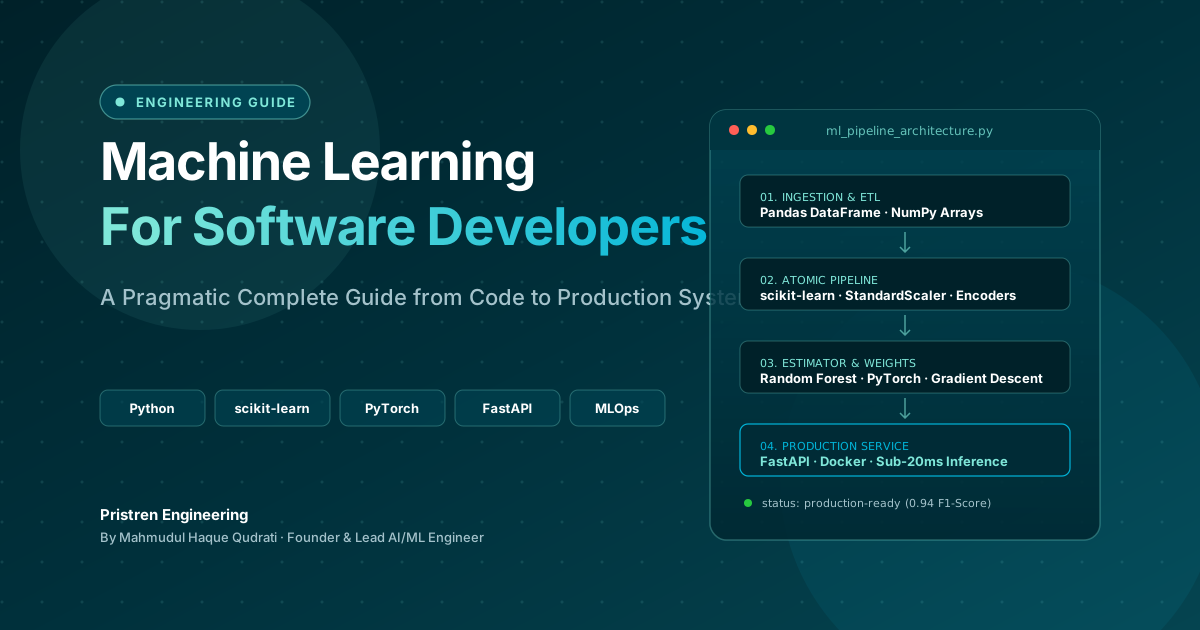
Machine Learning: Complete Guide for Software Developers
Learn machine learning as a software developer with this complete guide covering Python, algorithms, mathematics, projects, deep learning, and a practical roadmap.
 7 min read
ONNX: Export Any ML Model and Run It Anywhere
ONNX (Open Neural Network Exchange) is the universal model format - export from PyTorch, scikit-learn, or HuggingFace and run 3x faster inference with ONNX Runtime on CPU or GPU.
 9 min read
Gradient Descent Explained: How Machine Learning Models Actually Learn
Gradient descent is the engine behind every modern ML model. Here is how it works, why learning rate matters, and when to use Adam over SGD.
// discussion
Comments