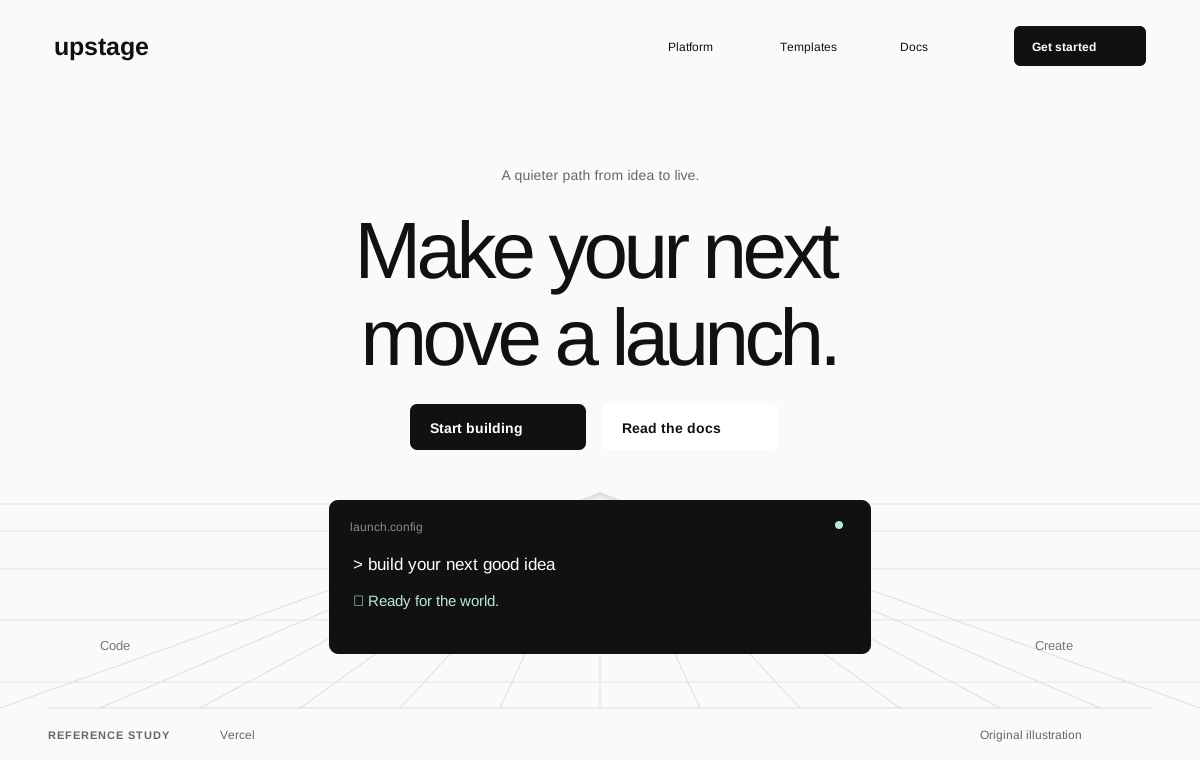
Vercel
Design referenceA reference for organizing developer infrastructure around useful outcomes.
Original Pristren concept study. View the source for the actual site.
Improve and ship
Create a concrete release package, verify environment requirements, and prepare a safe deployment.
A release-ready build, environment checklist, deployment instructions, and post-release verification plan.
Choose your AI tool, describe your task, and copy one complete project brief. Your inputs stay in this tab.
Includes your prompt, selected references, skill instructions, setup steps, and checks. Use your own AI account; Pristren does not run a model here.
Describe your project or task to prepare your brief.
Prepare [Describe the project, audience, and useful result.] for deployment under Use existing project conventions. State assumptions and verify the result..

Inspect the actual framework, runtime, build output, existing deployment files, and target host documentation. Determine whether the app needs a server, static hosting, persistent storage, background work, or migration steps. List environment variable names and where they are configured without exposing values.

Run the production build and relevant checks. Fix release-blocking issues within scope and produce exact commands or configuration appropriate to this repository and host. Document build/start behavior, migration ordering if applicable, health checks, cache behavior, and how the previous working release can be restored. Treat destructive migrations as a separate reviewed operation.

Prepare a preview or deployment package that can be inspected. Execute deployment only when the existing task authorization covers it. After an authorized release, verify health, assets, the main user journey, and error behavior in the target environment. Report the actual release state and evidence; do not describe a local build as a deployed application.

Execution environment: Codex. Follow applicable project instructions and verify the requested result.

Workflow
https://pristren.com/workflows/deploy-web-app/

Expected result
A release-ready build, environment checklist, deployment instructions, and post-release verification plan.

Before you begin
- The target runtime or host and its current official deployment guide.
- An app repository with production build/start commands.
- Environment variable names and approved account access; do not share secret values in prompts.

Setup for Codex
- Start Codex in the repository and read applicable AGENTS.md guidance. Include only the files this task needs.
- Determine the app’s runtime and host requirements before changing configuration. Prepare deployment; only execute it when authorized.
- Use the acceptance checks below to assess the result; an agent completion message is not evidence that the task passed.

Visual references
Study these as design references. Create an original design; do not copy branding, assets, or an entire layout.
- Vercel: https://vercel.com/
  Group capabilities by the developer task they support.
  Keep the documentation route close to the marketing explanation.
- Next.js: https://nextjs.org/
  Identify the framework’s role before listing features.
  Keep meaningful text and navigation outside any rich product demonstration.

Selected resources
- Playwright Test: https://playwright.dev/docs/intro
  Use the repository’s existing Playwright configuration where present. Otherwise follow the official introduction to select the package manager and install the test runner and browsers.
  The npm initialization below adds dependencies and configuration and may download browsers. Use the pnpm/yarn alternative in the official source when that is your project’s package manager.
  Create one meaningful browser test around an acceptance example, then use the documented runner for your configured project. Inspect a trace or visible state when it fails.
  Start Codex in the repository and read applicable AGENTS.md guidance. Include only the files this task needs.
  Use the official source below for current runtime requirements and package-manager-specific commands. Report the actual result and any unsupported environment.
  npm init playwright@latest
  npx playwright test
- Prepare and deploy a web application — master prompt: https://pristren.com/resources/deploy-web-app-prompt/
  Use the task-specific master prompt above.

Execution
1. Map the app runtime to the target host’s documented requirements.
2. Verify build, environment names, storage, migrations, and rollback.
3. Prepare a preview or concrete deployment package for review.
4. After authorized deployment, verify health and the primary journey on its actual URL.

Acceptance checks
- A clean production build succeeds with documented configuration.
- Required secrets have named storage locations and are absent from output.
- Runtime and persistence assumptions match the target host.
- The release state and rollback steps are explicit.

If something fails
- The build succeeds but startup fails: Compare build-time and runtime variables, runtime versions, and the host’s expected start/output format.
- A preview works but production data differs: Inspect migration state and environment isolation. Do not apply destructive changes as a debugging shortcut.

Inspect the project first. Report the changes, the checks actually run, and anything still unresolved. Ask before any deployment or external publication.
These source links and design notes travel with your brief. Keep only the references that fit your project.
Tool setup checked against official documentation. Pristren has not executed this workflow through this tool.
Required resources are included. Add optional ones when your task needs them.
Required
Start with this workflow’s original task-specific master prompt.
Review instructionsOptional
Run a reviewed build or release workflow if the project uses GitHub.
Review instructionsRequired
Verify the important journey in the chosen release environment.
Review instructionsA reference for organizing developer infrastructure around useful outcomes.
Original Pristren concept study. View the source for the actual site.
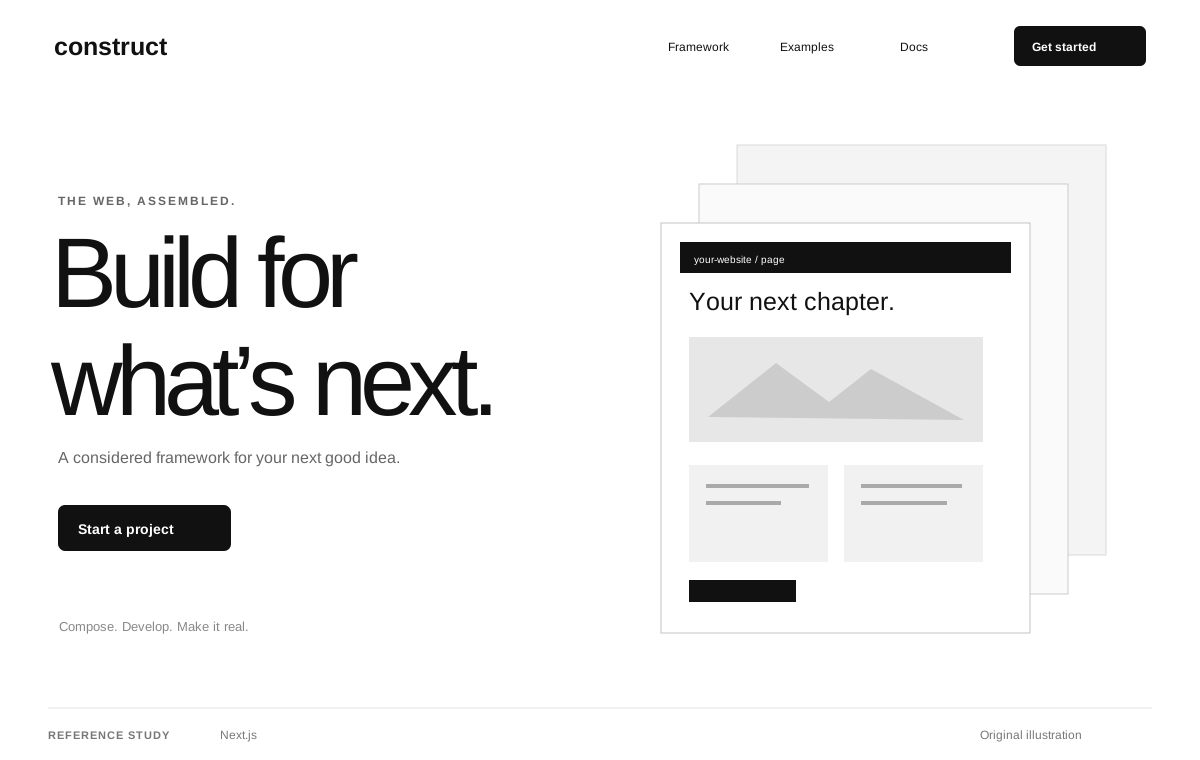
A reference for a framework proposition connected to detailed documentation.
Original Pristren concept study. View the source for the actual site.
Compare build-time and runtime variables, runtime versions, and the host’s expected start/output format.
Inspect migration state and environment isolation. Do not apply destructive changes as a debugging shortcut.
Try the brief in your AI tool first. Your feedback helps us find workflows that need attention.