
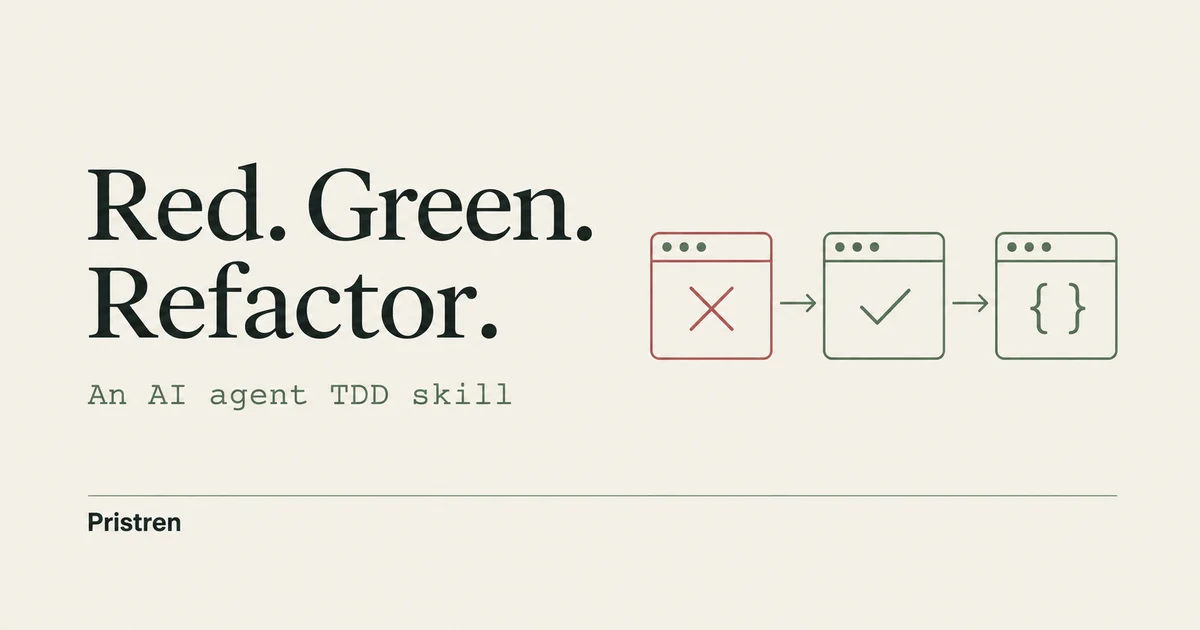
An AI agent TDD skill should ask for one piece of evidence you can check yourself: the new test failed on the old implementation. Without that run, the finished patch can have both a test and a green build while leaving the original bug untouched.
Jason Swett’s write-up on his own agent skill starts from the problem of vague and overly complicated tests. The template below addresses one narrower problem. It asks the agent to show the first failure and keep the same assertion through the fix. The example uses Vitest, but the rule is the same in any runner.
Pick one behavior and write the expected result
Suppose a service accepts a list of tags, strips surrounding spaces, and saves the result. A whitespace-only tag currently becomes an empty string. The ticket says to drop that empty entry without reordering or otherwise changing the remaining tags. That is one behavior you can express with a short input and expected output.
import { expect, it } from 'vitest'
import { normalizeTags } from './normalize-tags'

it('drops blank tags after trimming', () => {
  expect(normalizeTags(['  alpha  ', '   ', 'beta'])).toEqual([
    'alpha',
    'beta',
  ])
})
On the original implementation, which only trims each value, the result includes an empty string between the two tags. After the focused test fails for that reason, filter out empty values. Run the same test again. If the first run fails with an import error, fix the wiring and repeat it before touching the implementation. See our Vitest guide for more on test seams and fixtures.
Martin Fowler’s test-driven development reference also recommends writing down cases before choosing the next one to implement. For this ticket, keep unrelated cases such as duplicate tags and case conversion on that list until the requirements say what should happen.
Copy this SKILL.md into your agent’s skills directory
Name the folder tdd-review-loop and put SKILL.md inside it. The parent directory depends on the agent client. The Agent Skills format specification defines the file and metadata, and the Pristren AGENTS.md guide shows where to record the repository’s real test commands.
---
name: tdd-review-loop
description: Use for behavior changes and bug fixes that can be checked with a focused automated test.
---

1. State one behavior in terms of inputs and observable results.
2. Add a test at an existing public seam.
3. Run the focused test before editing production code.
   Report the command and the expected assertion failure.
   Pause if the test passes or fails for an unrelated reason.
4. Make the smallest implementation change that satisfies the test.
5. Rerun the same test, then run the closest relevant suite.
6. Refactor only once the test is green. Rerun the checks afterward.
7. Report the red run, the green run, and any checks still pending.
   Ask before weakening an assertion or changing agreed scope.
Leave test commands in the repo instructions so the skill works across packages. For example, tell the agent which command runs a single importer test in a monorepo and which command CI runs for the whole package. A skill copied from another project may otherwise run a default command and finish without exercising the change.
Review the red run before you trust the green one
Ask the author of the pull request to include the failing assertion and the passing command. Look at any edits to existing tests, especially skipped cases, looser comparisons, or mocks that now return exactly what the code expects. A passing test should still exercise the public behavior through the real seam.
Check the fixture before treating a failure as evidence
A failure on the first run only helps if you know why it failed. With the tag example, the useful failure shows the output array containing an empty string. A module resolution error says the test runner could not find the helper. A timeout says something else interrupted execution. Keep those failures in your notes if they matter to the setup, then fix the setup and run the original assertion again.
It helps to write down what one bad result should look like before asking the agent to run it. Here the input has three tags, and the middle one contains only spaces. The expected output retains the first and final tags in order. A test using only a blank item would prove that a blank is dropped but could miss a bug that accidentally discards neighboring values. The mixed input gives you that coverage without a large fixture.
Once the test passes, check which implementation change made it pass. The natural change is to trim each value and filter the empty strings. If the patch also deduplicates tags or lowercases them, it has gone beyond the ticket. Keep those questions open until somebody defines the intended behavior. A feature that seems harmless in a toy example can change data already created by a real application.
Leave a place for tests that are supposed to pass already
When you fix one thing, keep nearby behavior visible. In a tag normalizer, a separate test might already establish that order is preserved. Run it with the new test. If the project has no nearby coverage and the ticket depends on order, the new fixture can verify that along with the dropped blank. You can select another case later if it would catch a distinct mistake.
Ask the agent to distinguish checks added for the ticket from tests that were already in the repository. A pre-existing failure can take time to understand. Record the exact command and failing assertion. If it reproduces on the baseline commit, it belongs in the handoff as existing context. If it appears only on the candidate patch, investigate before considering the work finished.
Look for these patterns when you read the test diff:
- A mock returns exactly the result the implementation is supposed to compute.
- The new test calls an internal helper that the application does not use on the affected path.
- A snapshot changes without somebody explaining which behavior the new output represents.
- A single broad assertion passed even though the response still included the wrong value.
- An existing negative case was removed or skipped while the new focused case became green.
You can usually spot these problems without knowing how the agent wrote the patch. Follow the call the application makes and find the assertion that would have failed without the fix.
Put project commands in the repository
A reusable skill can describe what evidence to collect. The repository is the right place for the actual command. One codebase might run a focused Vitest test from a package directory. Another might use a Python runner from the root. Write a short example for this project so the next developer can copy it and know what it exercises.
Document how your project treats integration tests that need a container, fixture service, or seeded database. If those checks cannot run in the current session, name the missing dependency and keep their status visible in the PR. A focused test can still prove the patch addressed the intended branch. The integration run may be the right place to verify the boundary where a real service is involved.
For a team rollout, store the skill next to other reviewed repository instructions. Have a developer read the full file before using it on the first task. A skill that is easy to understand is easier to revise when the team learns a better way to verify a change. Keep the text short enough that the six or seven steps can be reviewed together. Put optional project-specific examples in another file if the main instructions are getting hard to scan.
Try the workflow with a real ticket and inspect the handoff
Pick a recently confirmed bug in a safe checkout, where you know the expected fix. Give the agent the small behavior and the test command. Ask it to report the baseline assertion failure before moving on. Then ask for the smallest production change and the focused rerun. Open the resulting diff and see whether you can trace the ticket to one test and one implementation decision.
If you want to compare a skill-enabled run with your usual instructions, use the same starting commit and task wording. Record the run conditions and review both diffs. Pay attention to whether the test actually failed before the fix and whether the finished patch added unrelated work. A few trial runs can help you see what to change in the instructions, without drawing a broad conclusion about every project or agent.
A concrete review note for the tag example could read: “The original helper returned alpha, an empty string and beta. The added test failed on that middle value. The patch filters blank entries after trimming. The focused test and the other normalizer tests pass.” That takes less space than a long session log and gives the reviewer the relevant facts. Once the team can produce a note like that consistently, the skill is improving the part of the process people actually have to maintain.
Teach the skill how to handle a test that passes too soon
A new test may pass immediately. That is a result worth keeping, because it means there is nothing yet to guide a production change. For the tag example, check whether the helper in the test is the same one the importer uses. Then inspect the fixture and assertion. Did you pass the blank string through the helper, or did a setup step remove it before the call? Does the assertion inspect the returned list, or does it only check the length of a stub?
Ask the agent to report what it tried and the earliest point at which the expected behavior appeared. If the real consumer already filters blanks, the ticket may belong at a different boundary. If the existing implementation already satisfies the expectation, a regression test can still be useful on its own. Write that conclusion in the review. It tells the reader why the patch contains a test and no production edit.
If you find a genuine test-design problem, change the fixture for a reason you can explain, then repeat the baseline run. Once the test exposes the right failure, keep that assertion stable while making the implementation change.
Start with a small bug where you can read the diff in a minute. If the agent can carry a meaningful assertion from the first run through review, use the same routine on the next ticket. Our Codex harness checklist shows how to bring that evidence into the wider pull request and CI process.


Comments
Have a question or something to add? Sign in to join the discussion.