Chroma: The Easiest Vector Database for LLM Apps
Chroma runs in-process with zero setup, embeds text automatically with a default model, and scales to a client-server deployment when you outgrow local mode.

Mahmudul Haque Qudrati
CEO & ML Engineer
April 15, 2026
6 min read
One AI engineering post, weekly
LLM benchmarks, prompt techniques, and token-cost breakdowns — not another AI news roundup.
Chroma is the fastest way to add a vector store to a Python LLM app. It runs in-memory or on-disk with a single import - no Docker, no server, no external dependencies. When you are ready for production, flip to client-server mode with the same API.
Installation
bash
pip install chromadb
Team workspace
Ship faster with chat, meetings, and projects in one place — Zlyqor.
In-Memory Mode
python
import chromadb

client = chromadb.Client()  # ephemeral, in-memory
collection = client.create_collection("docs")

collection.add(
    documents=["PagedAttention manages KV cache as pages.", "HNSW is a graph ANN index."],
    ids=["doc1", "doc2"],
)

results = collection.query(
    query_texts=["how does LLM memory work?"],
    n_results=2,
)
print(results["documents"])
Chroma uses all-MiniLM-L6-v2 (via the chromadb default embedding function) automatically - you do not need to manage embeddings yourself.
Persistent Mode
bash
client = chromadb.PersistentClient(path="./chroma_db")
Data persists across process restarts in the specified directory. This is sufficient for single-server production deployments with millions of documents.
Metadata Filtering
python
collection.add(
    documents=["LangGraph is a state machine framework.", "Instructor adds Pydantic to LLMs."],
    metadatas=[{"category": "agents"}, {"category": "tooling"}],
    ids=["doc3", "doc4"],
)

results = collection.query(
    query_texts=["build an agent"],
    where={"category": "agents"},
    n_results=1,
)
The where filter uses MongoDB-style operators: $eq, $ne, $gt, $in, $and, $or.
Custom Embedding Function
Use any embedding model by wrapping it:
python
from chromadb import EmbeddingFunction
from sentence_transformers import SentenceTransformer

class LocalEmbedder(EmbeddingFunction):
    def __init__(self):
        self.model = SentenceTransformer("all-mpnet-base-v2")

    def __call__(self, input: list[str]) -> list[list[float]]:
        return self.model.encode(input).tolist()

collection = client.create_collection("docs", embedding_function=LocalEmbedder())
LangChain Integration
bash
pip install langchain-chroma
python
from langchain_chroma import Chroma
from langchain_openai import OpenAIEmbeddings

vectorstore = Chroma(
    collection_name="docs",
    embedding_function=OpenAIEmbeddings(),
    persist_directory="./chroma_db",
)
retriever = vectorstore.as_retriever(search_kwargs={"k": 4})
Client-Server Mode for Production
bash
chroma run --host 0.0.0.0 --port 8000
Connect from your app:
python
client = chromadb.HttpClient(host="localhost", port=8000)
Chroma vs Qdrant vs Pinecone
| Chroma | Qdrant | Pinecone | |
|---|---|---|---|
| Self-host | Yes | Yes | No |
| In-process | Yes | No | No |
| Hybrid search | No | Yes | Yes |
| Production scale | Medium | High | High |
Full documentation at docs.trychroma.com.
#chroma#vector-database#embeddings#local#python
Mahmudul Haque Qudrati
CEO & ML Engineer
Visionary technologist, software engineer, and machine learning specialist. Founder and CEO of Pristren, directing engineering teams that ship production-grade AI/ML pipelines, mission-critical full-stack applications, and developer tooling. Creator of Zlyqor, the unified team workspace platform. Author of 540+ technical guides and benchmark research reports on large language models, agentic workflows, Model Context Protocol (MCP), and modern web stacks.


More from Mahmudul
Related Articles
 11 min read
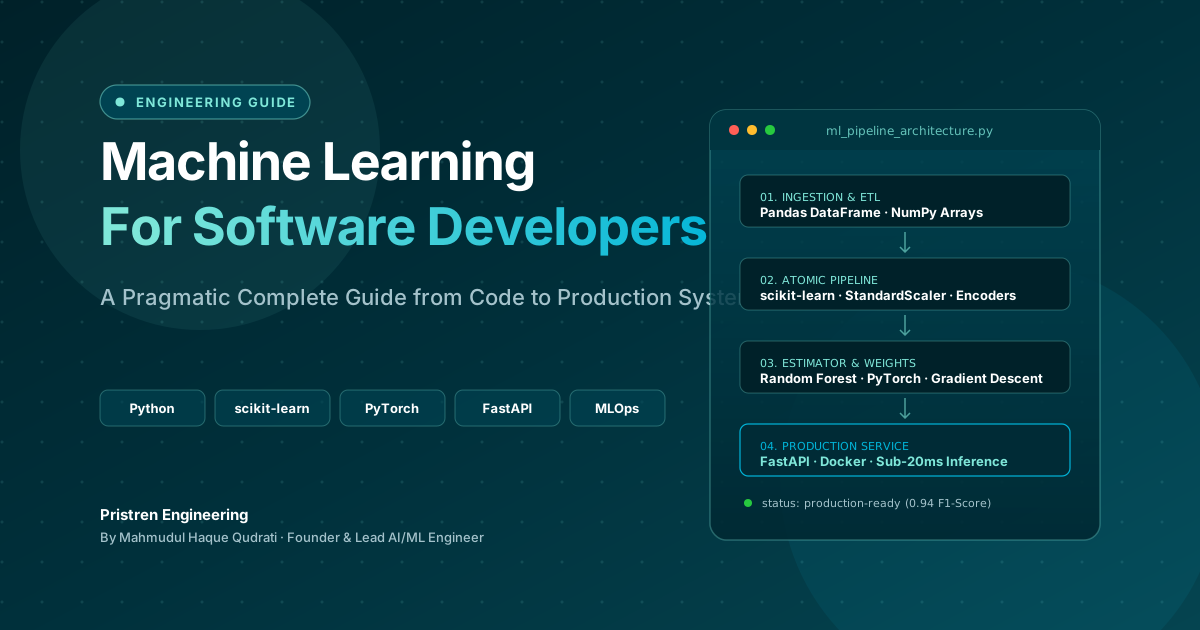
Machine Learning: Complete Guide for Software Developers
Learn machine learning as a software developer with this complete guide covering Python, algorithms, mathematics, projects, deep learning, and a practical roadmap.
 6 min read
How to Use Claude to Make Videos Like Vox and Others
Claude can help you make Vox-style videos by generating scripts, editing with code, and automating animation. Here's a practical guide with real workflows and costs.
 5 min read
OpenAI Ends Cursor Model Access on Nov 12, 2026: What Developers Need to Know
OpenAI will terminate Cursor's access to its models on November 12, 2026, following SpaceX's acquisition. This guide explains the timeline, why it happened, and practical steps to migrate your workflow.
// discussion
Comments