Gemini 1.5 Pro: Working With 1 Million Token Context Windows
Gemini 1.5 Pro offers a 1 million (and experimental 2 million) token context window with 99%+ needle-in-haystack recall. Here's how to use it for long-context tasks.

Mahmudul Haque Qudrati
CEO & ML Engineer
March 14, 2026
7 min read
One AI engineering post, weekly
LLM benchmarks, prompt techniques, and token-cost breakdowns — not another AI news roundup.
Most LLMs top out at 128k tokens - enough for a few hundred pages. Gemini 1.5 Pro's 1 million token context (with a 2 million token experimental variant) changes what's possible: you can feed it an entire codebase, a year of meeting transcripts, or a full-length book and ask questions across the whole thing without chunking.
Needle-in-haystack recall at 1M tokens: 99%+. That means even details buried deep in a million-token document are reliably retrieved.
Architecture: Mixture of Experts
Gemini 1.5 Pro uses a Mixture of Experts (MoE) architecture. Rather than activating all parameters for every token, MoE routes each token to a relevant subset of "expert" networks. This allows the model to be large in total capacity while keeping inference costs manageable.
Team workspace
Ship faster with chat, meetings, and projects in one place — Zlyqor.
Multimodal Input
The model handles text, images, video, and audio in a single prompt:
- Images: Up to 3,000 images per request
- Video: Up to 1 hour of video (frames sampled automatically)
- Audio: Up to 9.5 hours
- Documents: PDF, code, structured data
This makes it uniquely suited for tasks like analyzing an hour-long product demo video alongside its transcript and spec document simultaneously.
Accessing via Google AI Studio
The fastest way to experiment is Google AI Studio - no infrastructure setup required. For production, use the Gemini API:
bash
pip install google-generativeai
python
import google.generativeai as genai

genai.configure(api_key="YOUR_API_KEY")
model = genai.GenerativeModel("gemini-1.5-pro")

# Load a large document
with open("large_codebase.txt", "r") as f:
    codebase = f.read()

response = model.generate_content(
    f"Find all places where database connections are not closed:

{codebase}"
)
print(response.text)
Long-Context Use Cases
Entire codebase analysis: Pass a full monorepo and ask architectural questions, find security issues, or generate documentation - no RAG chunking needed.
Full book Q&A: Load a 400-page PDF and ask questions that require synthesizing information from multiple chapters.
Video understanding: Upload a full-length product walkthrough and ask it to generate a structured feature list with timestamps.
RAG-free document search: For datasets under 1M tokens, skip the embedding pipeline entirely and let the model retrieve directly from the full document set.
Summary
Gemini 1.5 Pro is the best choice when your task genuinely requires long context - analyzing large codebases, processing video, or working with extensive document corpora. For shorter contexts, GPT-4o or Claude 3.5 Sonnet will often be faster and cheaper. Start experimenting at Google AI Studio and check the full model details at Google DeepMind.
#gemini#google#long-context#multimodal#rag
Mahmudul Haque Qudrati
CEO & ML Engineer
Visionary technologist, software engineer, and machine learning specialist. Founder and CEO of Pristren, directing engineering teams that ship production-grade AI/ML pipelines, mission-critical full-stack applications, and developer tooling. Creator of Zlyqor, the unified team workspace platform. Author of 540+ technical guides and benchmark research reports on large language models, agentic workflows, Model Context Protocol (MCP), and modern web stacks.


More from Mahmudul
Related Articles
 11 min read
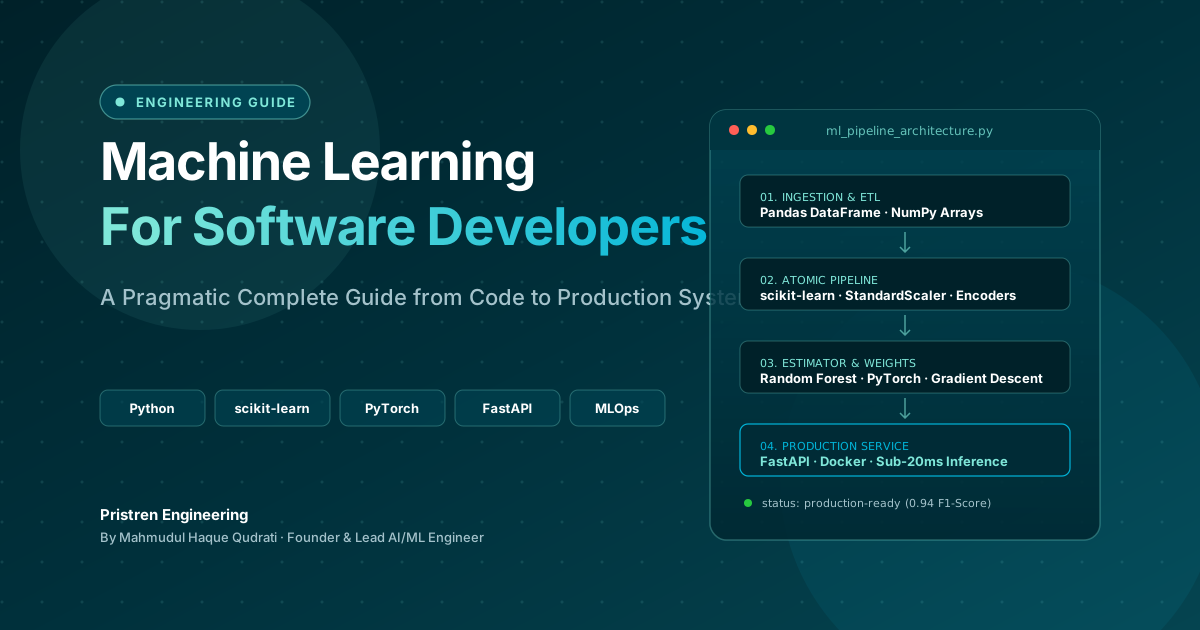
Machine Learning: Complete Guide for Software Developers
Learn machine learning as a software developer with this complete guide covering Python, algorithms, mathematics, projects, deep learning, and a practical roadmap.
 11 min read
How to Use AI Models as Tools: Task Routing Matrix for Developers
Task-by-task picks: Opus 4.8 for refactors, GPT-5.5 for terminal agents, Gemini for RAG, DeepSeek V4-Flash for batch jobs. Printable routing table.
 9 min read
When to Fine-Tune an LLM (And When to Rely on RAG Instead)
Fine-tuning updates model weights, while RAG inserts context. Learn how to combine these strategies or choose the right one for your data.
// discussion
Comments