JupyterLab 4 vs VS Code Notebooks: Which Is Better for Data Science in 2026?
JupyterLab 4 and VS Code Notebooks both run Jupyter kernels but offer very different experiences - here is a concrete comparison across collaboration, debugging, and GPU server setup.

Mahmudul Haque Qudrati
CEO & ML Engineer
April 11, 2026
7 min read
One AI engineering post, weekly
LLM benchmarks, prompt techniques, and token-cost breakdowns — not another AI news roundup.
Both JupyterLab and VS Code Jupyter run IPython kernels and execute .ipynb files. The notebooks themselves are identical. The difference is the environment around them.
JupyterLab 4: What Is New
JupyterLab 4 (released 2023) addressed the main complaints about JupyterLab 3:
Real-time collaboration. Multiple users can edit the same notebook simultaneously with cursor presence - like Google Docs. Enable with: pip install jupyter-collaboration
Faster rendering. The cell rendering pipeline was rewritten. Large outputs (DataFrames, images, plots) no longer freeze the browser.
Better extension system. Extensions are now distributed as PyPI packages and installed without rebuilding JupyterLab:
bash
pip install jupyterlab-git  # Git integration
pip install jupyterlab-lsp  # Language server (autocomplete, hover docs)
pip install jupyterlab-github  # GitHub integration
Jupyter AI (Jupyternaut). AI copilot built into JupyterLab 4:
bash
pip install jupyter-ai
Chat interface in the sidebar, %%ai magic in cells, supports Claude/GPT-4/local models.
Team workspace
Ship faster with chat, meetings, and projects in one place — Zlyqor.
VS Code Notebooks: What It Does Better
IntelliSense in notebooks. VS Code runs Pylance on notebook cells - you get full type inference, go-to-definition, and find-all-references that work across cells.
Integrated debugging. Set breakpoints in notebook cells and step through with the full VS Code debugger. JupyterLab has %pdb but not integrated debugging.
Git integration. The VS Code Git panel works naturally with notebooks. You can review diffs, stage changes, and commit without leaving the IDE.
Refactoring. Extract function, rename symbol, and other refactoring tools work inside notebook cells in VS Code.
Setup Comparison: GPU Remote Server
JupyterLab on remote GPU:
bash
# On the GPU server
pip install jupyterlab
jupyter lab --no-browser --port=8888

# On your local machine
ssh -L 8888:localhost:8888 user@gpu-server
# Open http://localhost:8888 in browser
VS Code on remote GPU:
- Install Remote-SSH extension
- Ctrl+Shift+P → "Remote-SSH: Connect to Host" → gpu-server
- Open folder, select kernel → done
VS Code Remote-SSH is significantly more convenient for GPU server work.
When JupyterLab Wins
- Multi-user JupyterHub deployment (university, research teams)
- Real-time collaboration with cursor presence
- Custom kernels (Julia, R, Scala, Haskell)
- Full browser-based workflow with no local install
- Heavy extension ecosystem (Voilà for dashboards, nbgrader for assignments)
When VS Code Wins
- Solo development with strong typing and autocomplete needs
- Debugging notebook code step-by-step
- Mixed Python scripts + notebooks in one project
- Remote GPU server without wanting a browser tab
Resources: JupyterLab docs, VS Code Jupyter extension.
#jupyterlab#vs-code#notebooks#data-science#python
Mahmudul Haque Qudrati
CEO & ML Engineer
Visionary technologist, software engineer, and machine learning specialist. Founder and CEO of Pristren, directing engineering teams that ship production-grade AI/ML pipelines, mission-critical full-stack applications, and developer tooling. Creator of Zlyqor, the unified team workspace platform. Author of 540+ technical guides and benchmark research reports on large language models, agentic workflows, Model Context Protocol (MCP), and modern web stacks.


More from Mahmudul
Related Articles
 11 min read
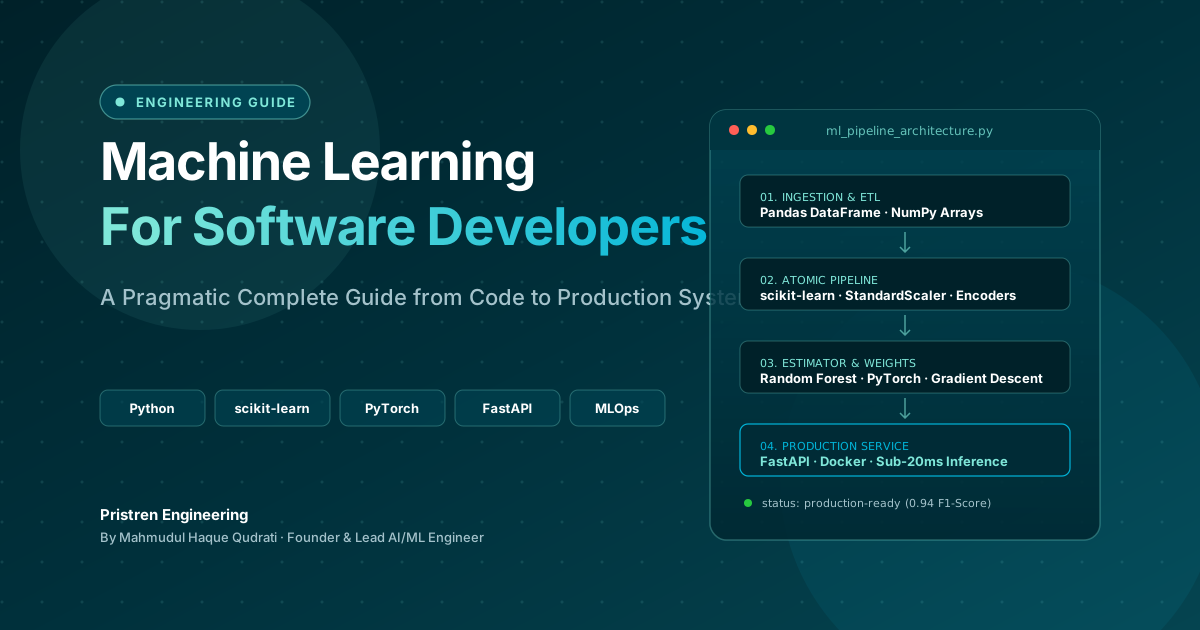
Machine Learning: Complete Guide for Software Developers
Learn machine learning as a software developer with this complete guide covering Python, algorithms, mathematics, projects, deep learning, and a practical roadmap.
 5 min read
Google Search Console API: Automate SEO Reporting and Monitoring With Python
The GSC Search Analytics API lets you pull performance data programmatically, build automated reports, and set up traffic drop alerts - no more manual CSV exports.
 8 min read
How Product Teams Can Work Effectively With Machine Learning
What ML can and cannot do for your product, how to write an ML spec, how to evaluate model readiness, and what PMs consistently get wrong working with data scientists.
// discussion
Comments