Streamlit: Build and Deploy ML Apps in Pure Python in 10 Minutes
Streamlit turns Python scripts into interactive web apps with no frontend knowledge required - build a working ML demo, RAG chatbot, or data dashboard and deploy it for free.

Mahmudul Haque Qudrati
CEO & ML Engineer
March 18, 2026
7 min read
One AI engineering post, weekly
LLM benchmarks, prompt techniques, and token-cost breakdowns — not another AI news roundup.
Streamlit converts a Python script into a web app by running it top-to-bottom every time a user interacts with a widget. No HTML, no JavaScript, no React. Just Python.
This execution model is the key to understanding Streamlit. Every button click, slider move, or text input triggers a full script rerun. This sounds inefficient, but Streamlit optimizes it with caching.
Your First Streamlit App
python
import streamlit as st
import pandas as pd

st.title("Sales Dashboard")

uploaded = st.file_uploader("Upload CSV", type="csv")
if uploaded:
    df = pd.read_csv(uploaded)

    region = st.selectbox("Filter by region", df["region"].unique())
    filtered = df[df["region"] == region]

    st.dataframe(filtered)
    st.bar_chart(filtered.groupby("product")["revenue"].sum())
Run with: streamlit run app.py
Team workspace
Ship faster with chat, meetings, and projects in one place — Zlyqor.
Caching: The Essential Optimization
python
import streamlit as st
import pandas as pd
from sentence_transformers import SentenceTransformer

@st.cache_data  # cache data loading  -  reruns only when inputs change
def load_data(path: str) -> pd.DataFrame:
    return pd.read_parquet(path)

@st.cache_resource  # cache heavy objects  -  loaded once, shared across sessions
def load_model() -> SentenceTransformer:
    return SentenceTransformer("all-MiniLM-L6-v2")

df = load_data("embeddings.parquet")  # cached after first run
model = load_model()  # loaded once, reused
Use @st.cache_data for data (serializable, per-user). Use @st.cache_resource for models and database connections (shared across all users).
Building an LLM Chatbot with st.chat_message
python
import streamlit as st
from openai import OpenAI

client = OpenAI(api_key=st.secrets["OPENAI_API_KEY"])

if "messages" not in st.session_state:
    st.session_state.messages = []

for msg in st.session_state.messages:
    with st.chat_message(msg["role"]):
        st.write(msg["content"])

if prompt := st.chat_input("Ask anything..."):
    st.session_state.messages.append({"role": "user", "content": prompt})
    with st.chat_message("user"):
        st.write(prompt)

    with st.chat_message("assistant"):
        response = client.chat.completions.create(
            model="gpt-4o-mini",
            messages=st.session_state.messages,
            stream=True,
        )
        content = st.write_stream(response)

    st.session_state.messages.append({"role": "assistant", "content": content})
Session State for Persistence
python
import streamlit as st

if "counter" not in st.session_state:
    st.session_state.counter = 0

if st.button("Increment"):
    st.session_state.counter += 1

st.write(f"Count: {st.session_state.counter}")
Session state persists across reruns for a single user session.
Secrets Management
toml
# .streamlit/secrets.toml (never commit this)
OPENAI_API_KEY = "sk-..."
DATABASE_URL = "mongodb+srv://..."
python
import streamlit as st
key = st.secrets["OPENAI_API_KEY"]
On Streamlit Community Cloud, secrets are set in the app dashboard.
Deploying for Free
- Push your app to GitHub
- Go to share.streamlit.io
- Connect your repo and set the main file path
- Add secrets in the dashboard
- Deploy - public URL in seconds
Resources: Streamlit, GitHub, app gallery.
#streamlit#ml-apps#python#deployment#data-visualization
Mahmudul Haque Qudrati
CEO & ML Engineer
Visionary technologist, software engineer, and machine learning specialist. Founder and CEO of Pristren, directing engineering teams that ship production-grade AI/ML pipelines, mission-critical full-stack applications, and developer tooling. Creator of Zlyqor, the unified team workspace platform. Author of 540+ technical guides and benchmark research reports on large language models, agentic workflows, Model Context Protocol (MCP), and modern web stacks.


More from Mahmudul
Related Articles
 11 min read
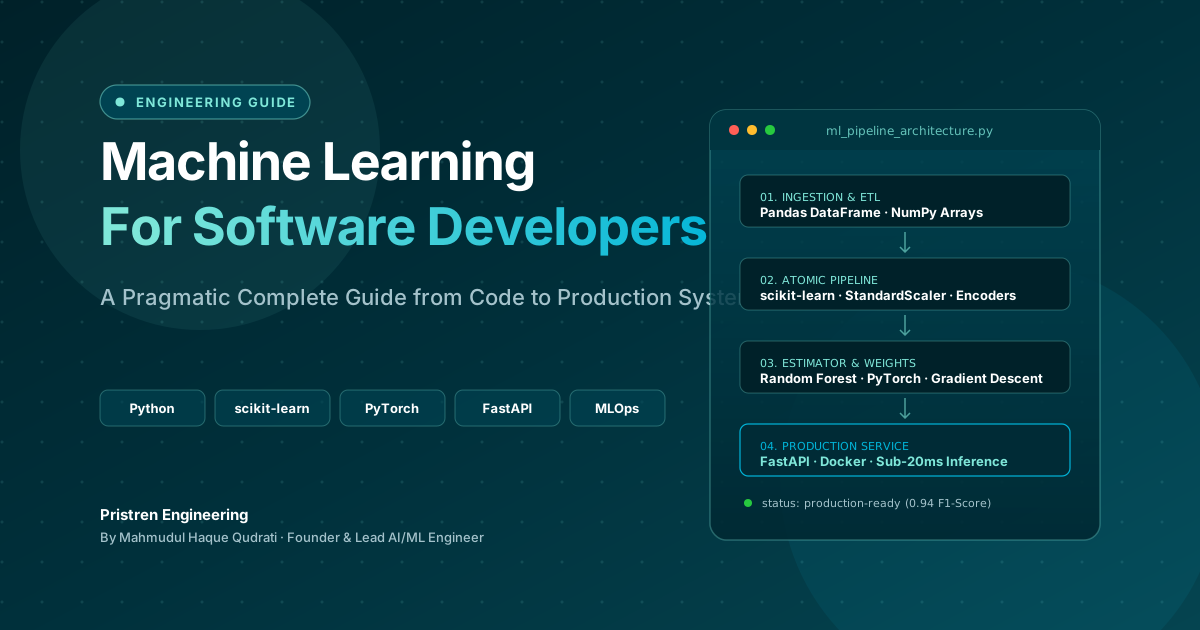
Machine Learning: Complete Guide for Software Developers
Learn machine learning as a software developer with this complete guide covering Python, algorithms, mathematics, projects, deep learning, and a practical roadmap.
 6 min read
How to Use Claude to Make Videos Like Vox and Others
Claude can help you make Vox-style videos by generating scripts, editing with code, and automating animation. Here's a practical guide with real workflows and costs.
 5 min read
OpenAI Ends Cursor Model Access on Nov 12, 2026: What Developers Need to Know
OpenAI will terminate Cursor's access to its models on November 12, 2026, following SpaceX's acquisition. This guide explains the timeline, why it happened, and practical steps to migrate your workflow.
// discussion
Comments